


Why Google Sheets budget templates for couples make shared finances easier
Managing money together doesn’t have to mean complicated spreadsheets, endless calculations, or uncomfortable conversations about spending. With the right Google Sheets budget templates for couples, you can organize shared expenses, divide bills fairly, track individual spending, and work toward your financial goals in one place.
Whether you’re newly married, moving in together, or simply looking for a better way to manage household finances, a shared budget spreadsheet can make everyday money decisions easier.
The best couples budget templates combine income tracking, expense categories, savings goals, and clear financial summaries. Some even calculate how much each partner should contribute based on income.

Below, we’ve gathered seven Google Sheets budget planners available on Creative Fabrica, including templates specifically designed for couples and flexible options that work well for shared household budgeting.
Why Use Google Sheets for Couples Budgeting?
Google Sheets offers a convenient way for two people to manage money without needing separate budgeting apps.
Instead of keeping financial information in different notebooks or files, both partners can work with one shared spreadsheet.
A well-organized couples budget can help you:
- Track combined household income and expenses.
- Separate personal purchases from shared spending.
- Divide rent, utilities, groceries, and recurring bills.
- Monitor savings goals such as travel or a down payment.
- Review monthly spending without calculating every total manually.
- Update financial information from different devices.
One of the biggest advantages is flexibility. You can maintain separate bank accounts while using a shared spreadsheet to understand your household finances.
You also don’t need to combine all your money. Many couples prefer keeping personal spending independent while contributing to shared financial responsibilities.
7 Best Google Sheets Budget Templates for Couples
1. Couple Budget Planner Template – Light
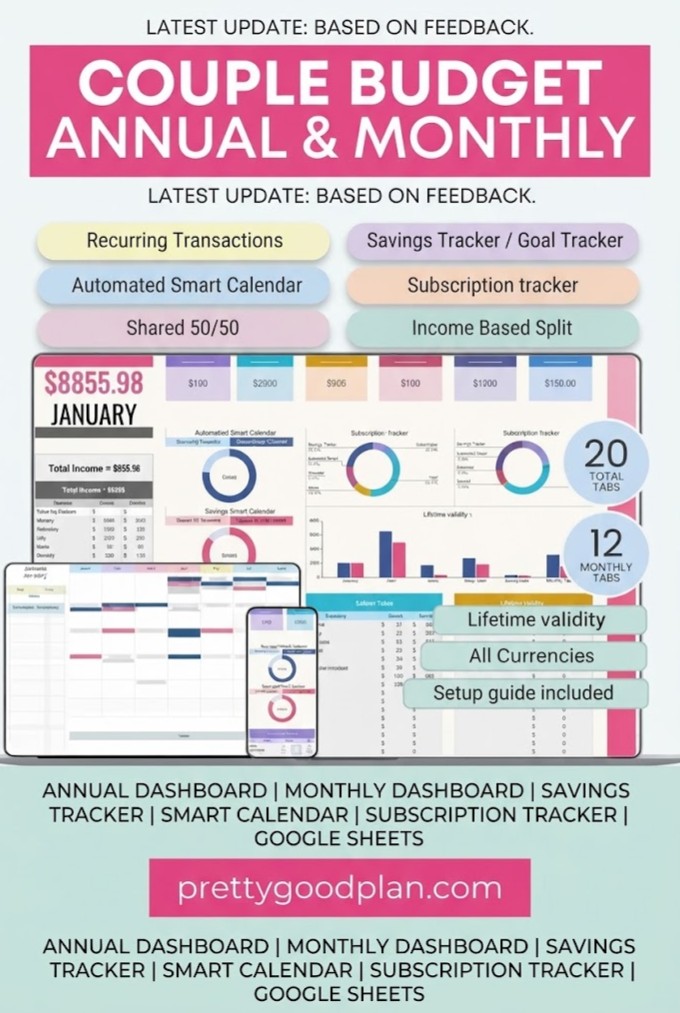
Best for: Couples who want to divide expenses fairly
If you’re looking for a spreadsheet specifically designed for two people, the Couple Budget Planner Template – Light is an excellent place to start.
Created by FinancePlannerSheets, this Google Sheets template combines individual finances, shared expenses, savings, and long-term financial planning.
One of its most useful features is the ability to choose how each transaction should be divided between partners.
You can record an expense as belonging to one person, split it equally, or calculate contributions according to income.
Key features:
- 20 organized spreadsheet tabs.
- 12 monthly budget dashboards.
- Annual financial overview.
- Individual and shared spending tracking.
- 50/50 bill splitting.
- Income-based expense splitting.
- Savings goals and sinking funds.
- Subscription and investment tracking.
- Recurring transactions and financial calendar.
- Customizable partner names and expense categories.
The income-based splitting feature is particularly helpful when partners earn different amounts. Instead of expecting equal contributions, you can divide household expenses according to your financial arrangement.
Why couples may like it: It provides a clear distinction between personal and shared spending without requiring a separate spreadsheet for each person.
Consider before choosing: Its extensive features may be more than you need if you’re only tracking a few monthly bills.
2. Monthly Budget Planner Google Sheet Only
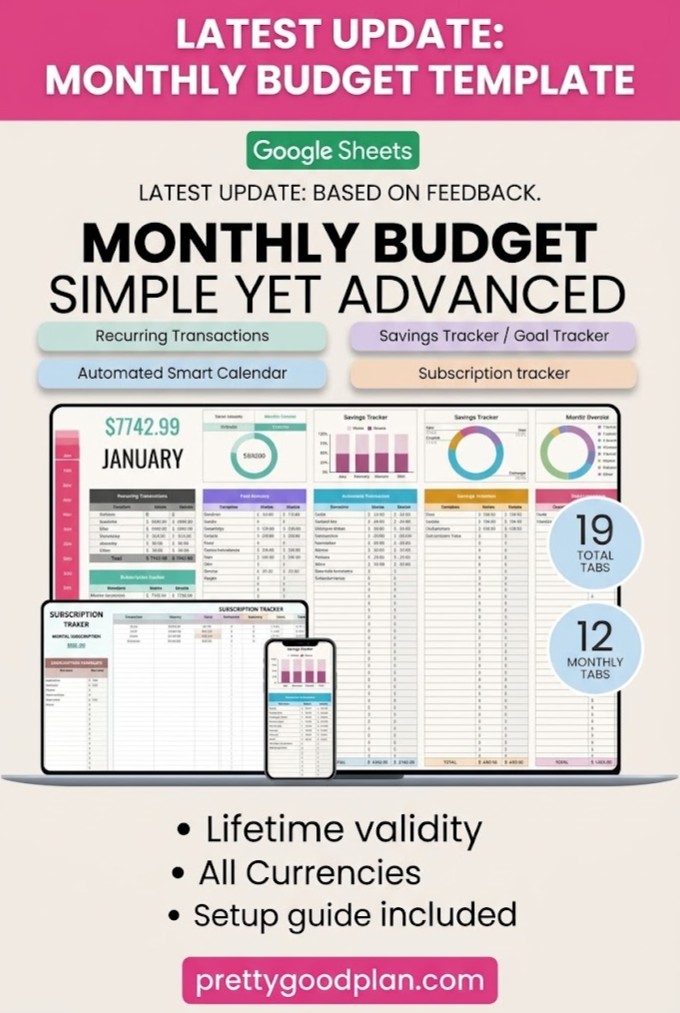
Best for: Couples managing monthly bills and subscriptions
The Monthly Budget Planner Google Sheet Only is a flexible household budgeting solution for tracking everyday financial responsibilities.
Although it isn’t exclusively designed for couples, its income tracking, recurring transactions, and savings features make it suitable for managing a shared household.
This template includes monthly dashboards and an annual financial overview, helping you understand both immediate expenses and longer-term spending patterns.
Key features:
- 19 organized tabs.
- Monthly financial dashboards.
- Income and expense tracking.
- Budget-versus-actual comparisons.
- Savings goals and sinking funds.
- Subscription tracking.
- Recurring transaction support.
- Automated financial calendar.
- Customizable spending categories.
Couples can use this planner to organize rent, utility bills, grocery expenses, insurance, and other regular payments.
For example, you could create categories for household bills, joint savings, personal expenses, and entertainment.
Why couples may like it: Recurring bill tracking helps keep essential household payments visible, while the savings tools support shared goals.
Consider before choosing: The product description doesn’t specify automatic partner-by-partner expense splitting.
3. Ultimate Annual and Monthly Budget Light
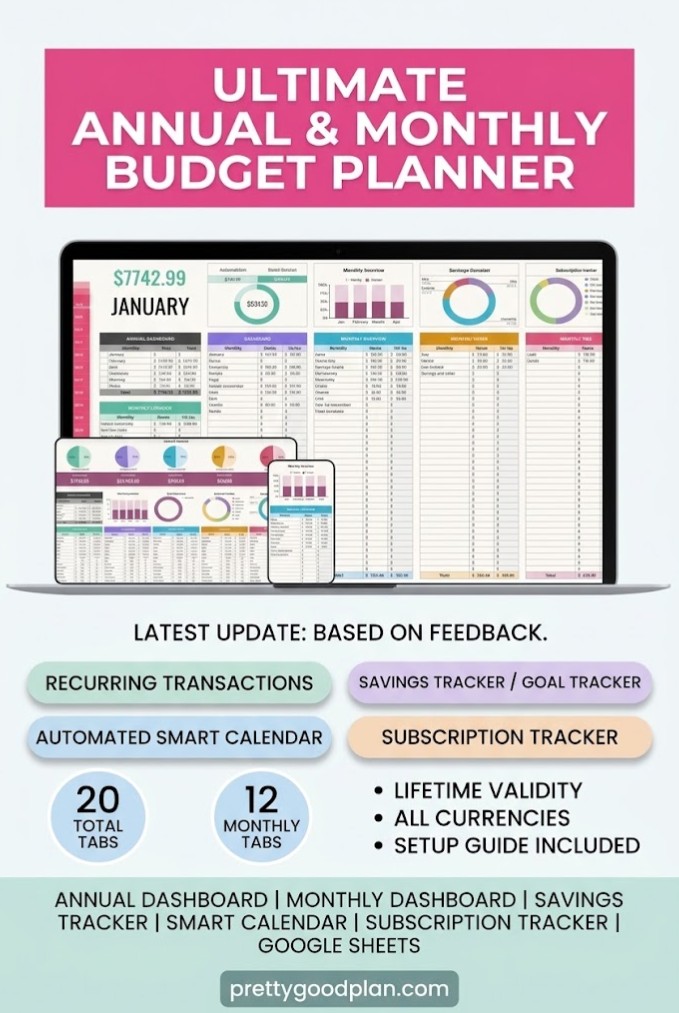
Best for: Couples planning their finances throughout the year
Some financial goals require more than a monthly budget.
Whether you’re preparing for a wedding, building an emergency fund, or planning a major household purchase, an annual overview can help you understand your progress.
The Ultimate Annual and Monthly Budget Light template offers a comprehensive system for managing both short-term expenses and longer-term goals.
Key features:
- 20 organized tabs.
- 12 monthly dashboards.
- Annual financial dashboard.
- Income and expense tracking.
- Budget-versus-actual comparisons.
- Subscription and bill tracking.
- Sinking funds.
- Savings goals.
- Recurring transaction management.
- Automated financial calendar.
- Custom categories and currency options.
A useful approach is to create separate savings categories for emergencies, vacations, home improvements, and large purchases.
You can then review these goals during a monthly budget meeting.
Why couples may like it: It brings everyday expense tracking and annual financial planning into one system.
Consider before choosing: It is a general budget template rather than a dedicated couples expense-splitting tool.
4. 50 30 20 Budget Planner Template – Light
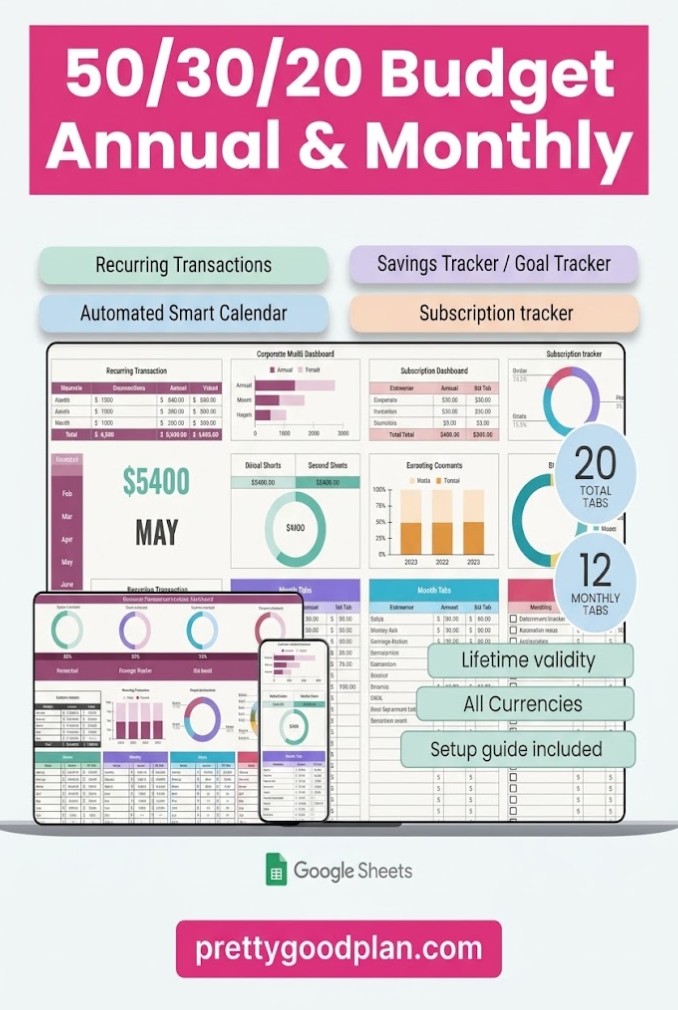
Best for: Couples who prefer a structured budgeting method
The 50/30/20 budgeting method divides take-home income into three broad categories:
- 50% for needs: Housing, groceries, utilities, transportation, and essential payments.
- 30% for wants: Entertainment, dining out, hobbies, and nonessential purchases.
- 20% for savings and future goals: Savings, investments, or additional debt repayment.
This allocation is a starting point rather than a strict requirement. Couples with high housing expenses or irregular income may need to adjust the percentages.
The 50 30 20 Budget Planner Template – Light organizes this approach into a Google Sheets budgeting system.
Key features:
- 20 organized tabs.
- 12 monthly budgeting dashboards.
- Annual financial overview.
- Needs, wants, and savings tracking.
- Budget-versus-actual comparisons.
- Subscription management.
- Savings goals and sinking funds.
- Recurring transactions.
- Automatic calculations.
- Customizable categories.
For example, if your combined monthly take-home income is $5,000, the traditional allocation would be $2,500 for needs, $1,500 for wants, and $1,000 for savings and future goals.
Why couples may like it: It establishes a shared budgeting framework that makes financial priorities easier to discuss.
Consider before choosing: The 50/30/20 method may be less suitable for households with unusually high essential expenses.
5. Budget Planner for Google Sheets
Best for: Beginners who want a simple monthly workflow
Not every couple needs a complicated financial dashboard.
If you’re starting your first shared budget, a straightforward template can help you develop consistent habits without overwhelming you with unnecessary features.
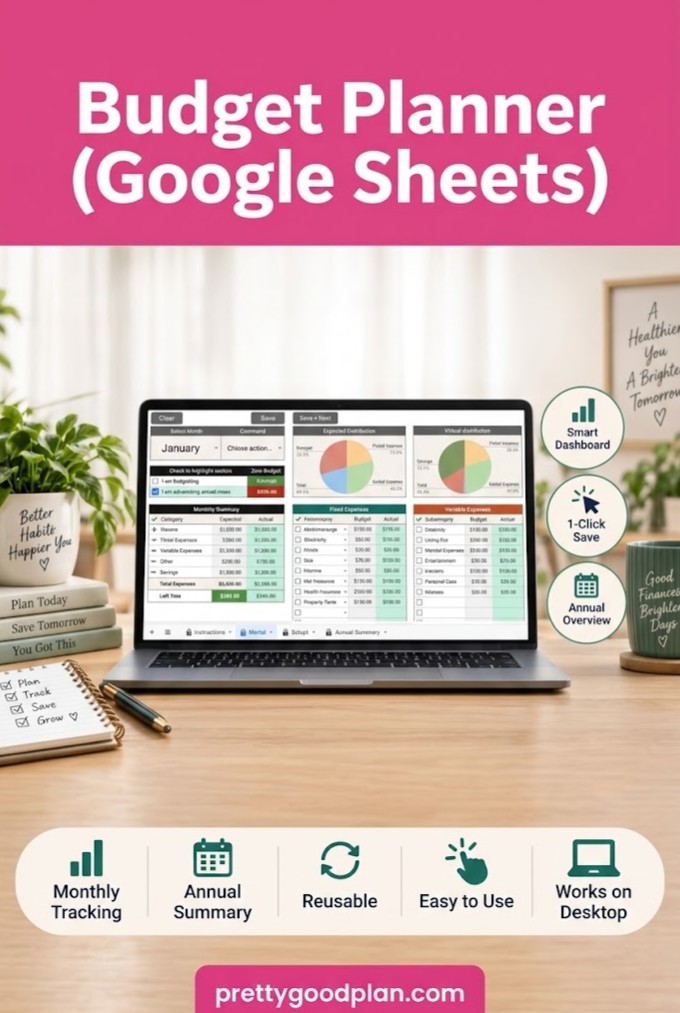
The Budget Planner for Google Sheets by Mol Tazime uses a central portal for monthly budget entry.
The template also includes separate monthly sheets and an annual summary.
Key features:
- Central monthly budget portal.
- 12 monthly worksheets.
- Annual summary dashboard.
- Income and expense tracking.
- Savings tracking.
- Optional customizable categories.
- Automatic monthly and yearly totals.
- Instructions for getting started.
The portal-based design reduces the need to move between multiple worksheets for routine budget updates.
Couples can choose one day each week to enter recent transactions and review their remaining budget.
Why couples may like it: The relatively simple layout is useful for building a shared budgeting routine.
Consider before choosing: The seller notes that some buttons may not work in the Google Sheets mobile app, so desktop use may be preferable.
6. Monthly Budget Google Sheets
Best for: Couples who want visual expense summaries
Tracking expenses is helpful, but understanding where your money goes is equally important.
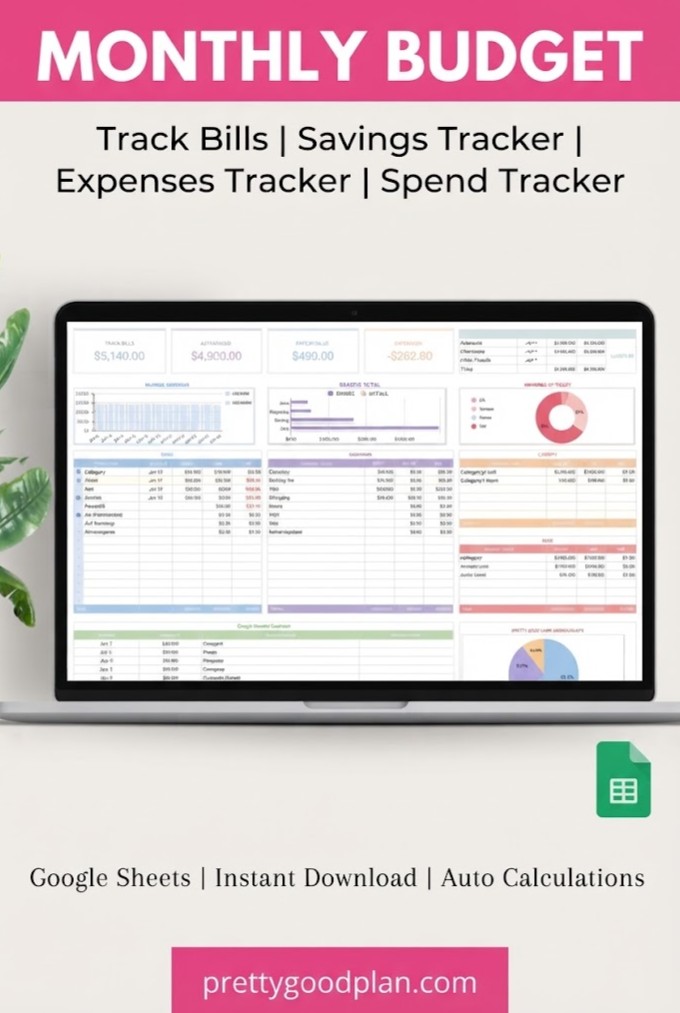
Monthly Budget Google Sheets by ThePlannersDelight includes a budgeting dashboard with charts and graphs, alongside a categorized transaction tracker.
These visual elements can make it easier to review spending patterns together.
Key features:
- Monthly budget dashboard.
- Charts and graphs.
- Transaction tracking.
- Categories for groceries, utilities, shopping, and more.
- Monthly and annual budgeting tools.
- Google Sheets access through a provided template link.
For example, you might discover that dining and entertainment take up more of your monthly budget than expected.
Instead of reviewing every transaction individually, you can use the financial summaries to identify categories worth discussing.
Why couples may like it: Visual reports make monthly budget conversations more practical and focused.
Consider before choosing: Check the included setup instructions and how monthly copies are handled before relying on it for ongoing tracking.
7. Budget Planner Excel & Google Sheets
Best for: Couples who prefer a minimal spreadsheet
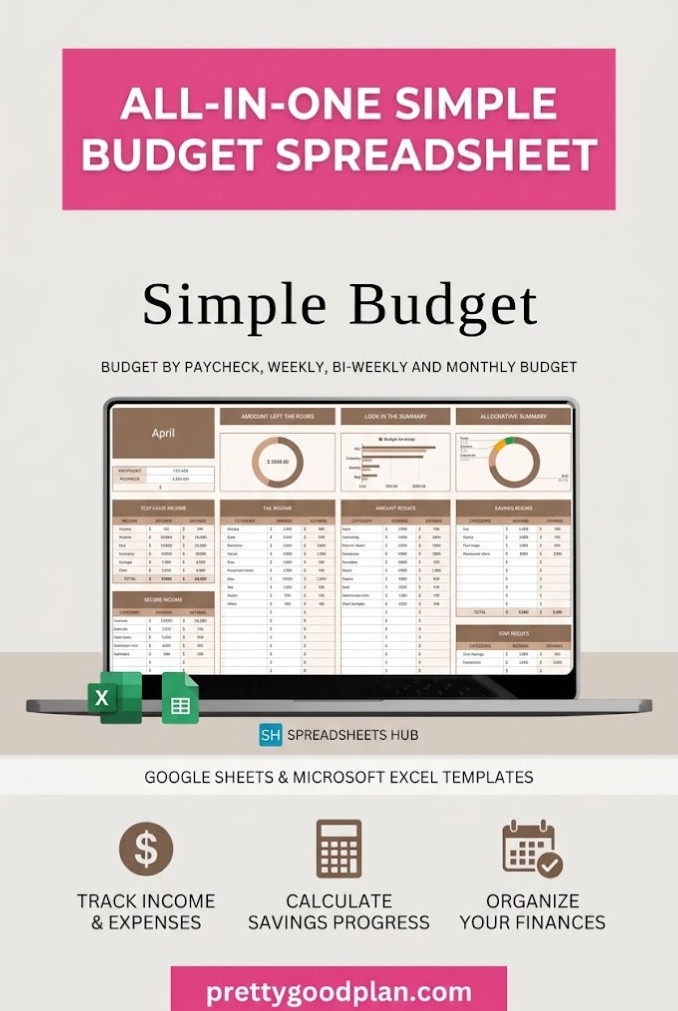
If your goal is to track basic income and expenses without navigating numerous worksheets, this template from SpreadsheetsHub may be worth considering.
It uses a one-tab budgeting layout and supports different budgeting schedules, including monthly, weekly, and biweekly planning.
Key features:
- One-tab budgeting layout.
- Automatic calculations.
- Customizable income and expense categories.
- Support for different budgeting periods.
- Multiple currency options.
- Compatibility with Google Sheets and Excel.
This can be a practical choice for couples who want to establish a simple spending tracker before moving to a more detailed financial planning system.
Why couples may like it: Its minimal structure makes it approachable for people unfamiliar with spreadsheets.
Consider before choosing: It doesn’t advertise dedicated couples expense-splitting features.
How to Choose the Right Couples Budget Spreadsheet
The best spreadsheet depends on how you and your partner prefer to organize money.
If you maintain separate bank accounts and split shared expenses, look for a template with individual spending categories and contribution calculations.
If your finances are mostly combined, a household budget with monthly income, bills, expenses, and savings may be enough.
For couples working toward major goals, prioritize annual summaries, savings trackers, and sinking funds.
A template should make your existing financial arrangement easier to manage rather than force you into a system that doesn’t fit your relationship.
How to Set Up a Shared Budget in Google Sheets
Once you’ve selected a template, setting up your joint budget doesn’t need to be complicated.
Step 1: Make a Copy of the Spreadsheet
Follow the product’s download instructions and open the provided template in Google Sheets.
If the seller provides a view-only spreadsheet, select File > Make a copy to save an editable version to your Google Drive.
Step 2: Share Access With Your Partner
Click the Share button and invite your partner using their Google account.
Choose Editor access if both people should be able to update expenses and financial goals.
Remember that editors may be able to view the financial information entered anywhere in the shared file. Avoid recording sensitive account credentials.
Step 3: Enter Both Incomes
Record each partner’s monthly take-home income, including any regular additional earnings.
If your income varies, consider planning around a conservative monthly estimate and adjusting when actual income is known.
Step 4: Organize Shared and Personal Expenses
Create categories such as:
- Housing and utilities.
- Groceries and household supplies.
- Transportation.
- Insurance and healthcare.
- Subscriptions.
- Personal spending.
- Joint savings.
- Entertainment and travel.
Clearly separating shared expenses from personal purchases can prevent misunderstandings about who pays for what.
Step 5: Decide How to Split Bills
There are two common approaches.
An equal split means both partners contribute half of each shared expense.
An income-based split adjusts contributions according to take-home earnings.
Neither arrangement is automatically better. Choose the approach that reflects your incomes, financial commitments, and shared preferences.
Step 6: Review Your Budget Monthly
Set aside time to compare planned spending with actual expenses.
Discuss upcoming bills, changes in income, and progress toward savings goals.
The purpose isn’t to monitor every purchase your partner makes. It’s to build a clear financial picture and make informed decisions together.
Should Couples Split Expenses 50/50 or Based on Income?
Both approaches can work, but they create different financial responsibilities.
For example, suppose one partner earns $3,000 per month and the other earns $2,000 after taxes.
Their combined monthly income is $5,000, and their shared expenses total $2,000.
With a 50/50 split, each partner pays $1,000.
With an income-based split, the higher earner contributes 60%, or $1,200, and the other partner contributes 40%, or $800.
An income-based approach may make shared expenses more manageable when earnings differ significantly.
However, couples should also consider debt obligations, caregiving responsibilities, irregular income, and personal financial goals before choosing a method.
Final Thoughts
Finding the best Google Sheets budget templates for couples comes down to choosing a system that fits how you manage money together.
For detailed expense splitting, a dedicated couples finance planner offers the most relevant features. For simple household budgeting, a monthly tracker may be all you need. If long-term goals are your priority, look for a planner with annual summaries and savings tracking.
Whatever you choose, consistency matters more than complexity.
Start with a budget you both understand, update it regularly, and use the information to make financial decisions together.
A good spreadsheet won’t make every money decision for you, but it can give both partners the clarity needed to plan with greater confidence.
What is the best Google Sheets budget template for couples?
A template designed specifically for couples is usually the most practical option if you want to track individual spending and divide shared bills. The Couple Budget Planner Template – Light includes both equal and income-based splitting methods.
Can two people edit the same Google Sheets budget?
Yes. Google Sheets supports collaborative editing. Share the spreadsheet with your partner and grant appropriate access so both people can enter transactions and update financial information.
Are Google Sheets budget templates free?
Google Sheets itself can be used with a free Google account. Some budgeting templates are free, while others require a purchase, subscription, or promotional offer. Always check the current download terms before choosing a template.
How do you make a monthly budget for two people?
Start by recording both incomes, listing shared bills, identifying personal spending, and deciding how expenses will be divided. Then allocate money toward savings and review actual transactions throughout the month.
Should married couples combine their finances?
Not necessarily. Some married couples combine their accounts, others keep them separate, and many use a hybrid arrangement. A shared budgeting spreadsheet can support any of these approaches.
Can Google Sheets automatically calculate shared expenses?
Yes. Google Sheets supports formulas that calculate totals, percentages, and contribution amounts. Some specialized couples templates include these calculations already, saving you from building them manually.
Is Google Sheets better than a budgeting app for couples?
Google Sheets offers greater flexibility and customization, while budgeting apps may provide features such as bank synchronization and automatic transaction imports. The better choice depends on whether you value manual control or automation.
What expenses should couples track together?
Common shared expenses include rent or mortgage payments, utilities, groceries, household supplies, insurance, subscriptions, and joint savings. Personal purchases can remain separate if that suits your financial arrangement.


