

ℹ️ Affiliate Disclosure: This article may contain affiliate links. If you book or purchase through these links, we may earn a commission at no additional cost to you.
Why Google Sheets Monthly Budget Templates Make Planning Easier
Managing your money becomes much easier when you can see exactly where your income goes each month. Whether you’re saving for a vacation, reducing unnecessary expenses, or simply trying to stay organized, a well-designed budget spreadsheet can make a meaningful difference.
The best Google Sheets monthly budget templates help you organize income, track expenses, compare planned and actual spending, and monitor savings without building complicated spreadsheets from scratch.

From minimalist monthly trackers to advanced financial dashboards, these nine templates offer different ways to manage personal and household finances.
Why Use a Google Sheets Monthly Budget Template?
A monthly budget template is a preformatted spreadsheet designed to help you plan and monitor your finances throughout the month.
Instead of creating formulas, tables, and charts manually, you can start with a ready-made structure and customize it to match your financial needs.
Here are some of the main benefits.
Easy expense tracking: Record everyday purchases, household bills, subscriptions, and other expenses in organized categories.
Automatic calculations: Many templates calculate total income, spending, savings, and remaining balances without manual arithmetic.
Customizable categories: Adjust spending categories to reflect your lifestyle, whether you are budgeting for one person or an entire household.
Visual financial dashboards: Charts and summaries make it easier to identify spending patterns and understand where your money goes.
Access across devices: Google Sheets allows you to access your budget through your Google account on compatible computers, tablets, and smartphones.
The right spreadsheet can help turn budgeting from an occasional task into a practical monthly routine.
9 Best Google Sheets Monthly Budget Templates
1. Monthly Budget Google Sheets
Best for: Everyday monthly budgeting and expense tracking
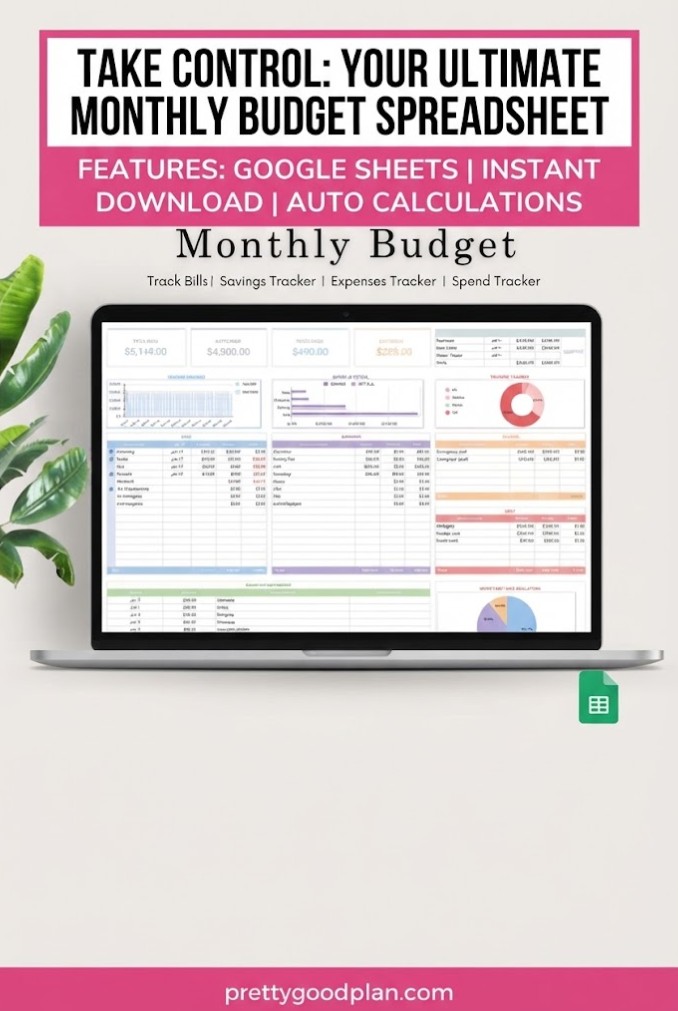
The Monthly Budget Google Sheets template by ThePlannersDelight is a practical choice for anyone who wants a visual overview of their personal finances.
It combines a monthly budget dashboard with transaction tracking, making it easier to follow spending across common household categories.
Rather than maintaining separate lists of purchases and financial goals, you can organize your information in one spreadsheet.
Key features:
- Monthly budget dashboard
- Visual charts and graphs
- Income and expense tracking
- Categorized transaction tracker
- Editable Google Sheets format
- Digital access through a template link
This template is particularly useful for tracking groceries, shopping, utilities, and other everyday expenses.
The dashboard helps users review their financial activity without having to examine every individual transaction.
Why choose it?
If your main goal is to monitor monthly spending and maintain an organized budget, this template offers a straightforward starting point.
It is suitable for individuals who prefer visual summaries alongside detailed transaction records.
2. Budget Planner for Google Sheets
Best for: Monthly budgeting with an annual financial overview
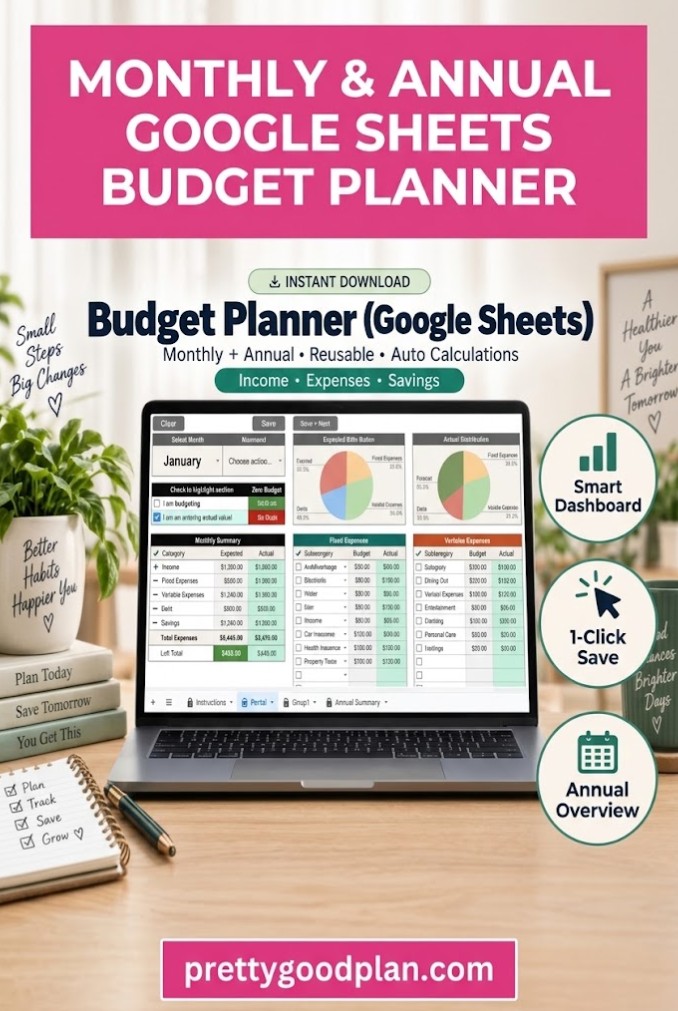
The Budget Planner for Google Sheets by Mol Tazime offers a structured approach to managing an entire year of personal finances.
Unlike a basic single-month spreadsheet, this planner includes individual monthly sheets and an annual summary.
Its central Portal page allows users to select a month and work with budget information from one main location.
Key features:
- Central budget entry Portal
- Twelve individual monthly sheets
- Annual summary dashboard
- Automatic monthly and annual totals
- Customizable budget categories
- Instructions and setup pages
- Month-switching functionality
The annual summary is especially helpful for reviewing how your financial habits change throughout the year.
For example, you might notice that transportation spending increases during certain months or that holiday shopping creates seasonal expenses.
Having monthly records alongside a yearly overview makes these patterns easier to recognize.
Why choose it?
This template is a strong option for people who want one organized budget system covering January through December.
It is best used on a desktop or laptop because some interactive controls may work differently on mobile devices.
3. 50/30/20 Budget Template — Google Sheets
Best for: Beginners who prefer percentage-based budgeting
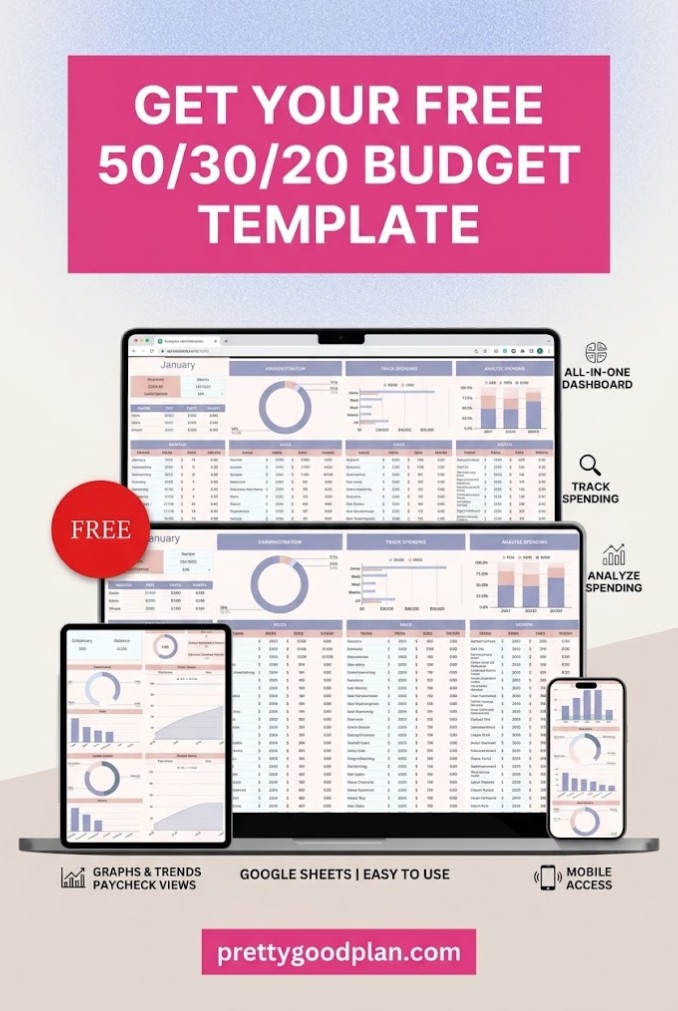
The 50/30/20 Budget Template by SpreadsheetsHub is designed around a popular method for dividing take-home income into three major categories.
The traditional 50/30/20 approach allocates:
- 50% to needs: Housing, groceries, transportation, utilities, and essential expenses.
- 30% to wants: Dining out, entertainment, hobbies, and nonessential purchases.
- 20% to savings and financial goals: Savings contributions and certain debt repayments.
This method provides a simple framework for deciding how much money to assign to different priorities.
Key features:
- Automatic budget calculations
- Expense tracking
- Customizable budgeting categories
- Google Sheets compatibility
- Sample spreadsheet with example data
- Blank spreadsheet for personal use
- Setup instructions
One advantage of percentage-based budgeting is that it provides a clear starting point without requiring dozens of individual spending limits.
However, the percentages are guidelines rather than strict requirements. Someone with particularly high housing costs may need to adjust them.
Why choose it?
This is a useful option for beginners who want a simple budget structure.
It can also help people who prefer managing their finances through broad spending categories instead of detailed transaction-by-transaction planning.
4. Monthly Budget Planner Google Sheet Only
Best for: All-in-one personal finance management
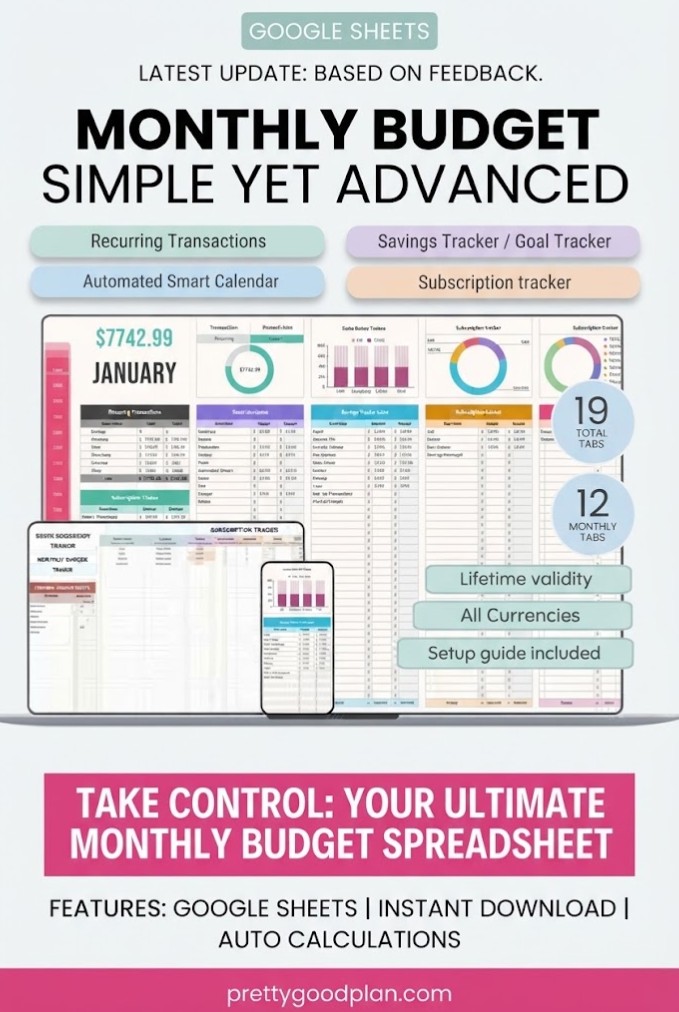
The Monthly Budget Planner Google Sheet Only by FinancePlannerSheets is designed for users who want more than a basic income and expense spreadsheet.
It brings together multiple financial planning tools in one workbook.
Alongside monthly budgeting, it provides sections for subscriptions, savings goals, sinking funds, recurring transactions, and scheduled financial activity.
Key features:
- 19 organized spreadsheet tabs
- Monthly financial dashboards
- Income and expense tracking
- Budget versus actual comparisons
- Transaction logging
- Sinking funds tracker
- Savings goals tracker
- Subscription management
- Recurring transaction tracking
- Financial calendar
One particularly useful feature is sinking funds tracking.
A sinking fund is money set aside gradually for a known future expense, such as car maintenance, holiday gifts, insurance, or home repairs.
For example, if you expect a $600 annual expense, setting aside $50 per month can help you prepare for it.
By including these future expenses in your regular monthly budget, you can reduce the chance of unexpected pressure on your everyday finances.
Why choose it?
This template is suitable for households and individuals managing several financial responsibilities at once.
It offers a more comprehensive system than a basic monthly spending tracker, although the additional features may require more setup.
5. Personal Monthly Budget Template
Best for: Simple personal and household financial planning
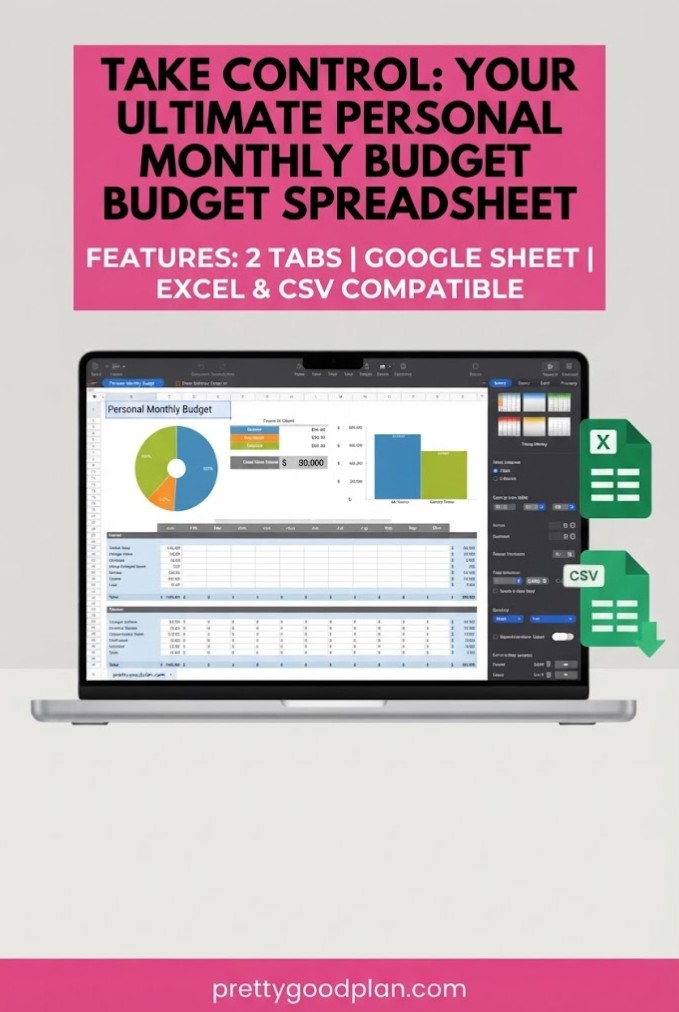
The Personal Monthly Budget Template by Realtor Templates focuses on organizing the essential components of a monthly budget.
It includes sections for common spending categories, automatic calculations, and visual summaries.
The layout is intended to make monthly financial planning accessible without requiring advanced spreadsheet knowledge.
Key features:
- Monthly income and expense tracking
- Automatic totals and balance calculations
- Housing and transportation categories
- Food and entertainment expense sections
- Savings tracking
- Visual spending charts
- Compatibility with Google Sheets, Excel, and Numbers
Its compatibility with several spreadsheet applications offers additional flexibility.
For example, you can start with the template in Excel and open a compatible copy in Google Sheets if you later prefer cloud-based editing.
You should still verify that formulas and formatting remain correct after importing between applications.
Why choose it?
This template is ideal for someone who wants the essential budgeting features without managing an extensive collection of financial worksheets.
It is particularly relevant for students, working professionals, and individuals creating their first personal budget.
6. 50/30/20 Monthly Budget Spreadsheet
Best for: Flexible budgeting in Google Sheets and Excel
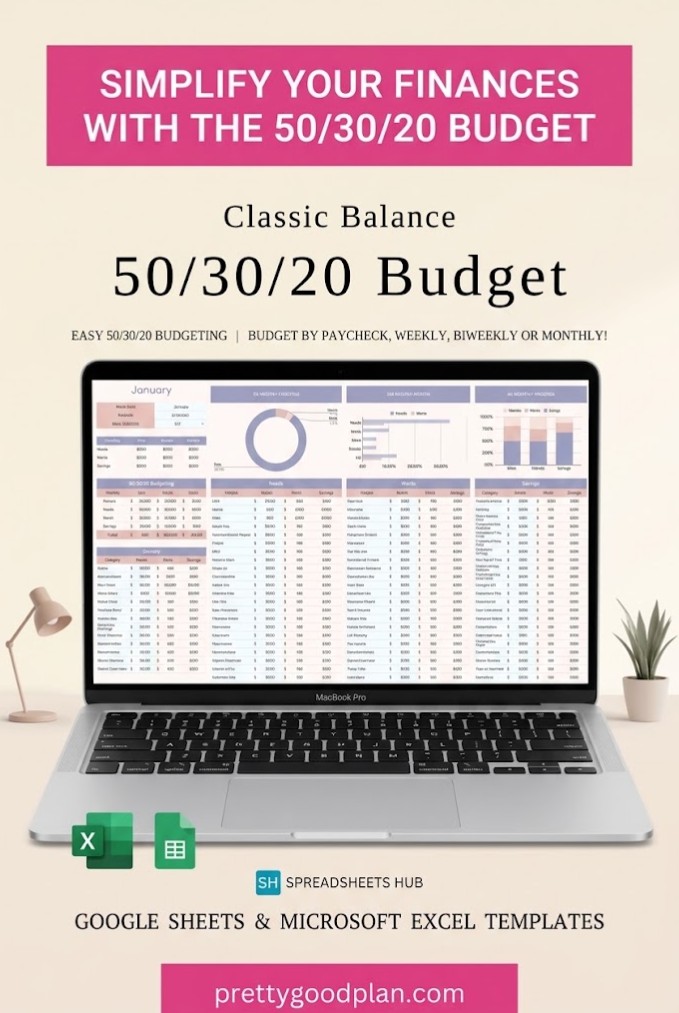
The 50/30/20 Monthly Budget Spreadsheet by SpreadsheetsHub combines percentage-based money management with spreadsheet flexibility.
It is designed for people who want to follow a straightforward financial plan while maintaining the freedom to customize their spending categories.
The template divides the budget into needs, wants, and savings or debt repayment.
Unlike some budgeting tools that support only one spreadsheet application, this package includes both Google Sheets and Excel versions.
Key features:
- 50/30/20 budgeting framework
- Editable expense categories
- Google Sheets and Excel versions
- Example spreadsheets with sample data
- Blank spreadsheets for customization
- Step-by-step instructions
The included sample versions are helpful for understanding how the spreadsheet is intended to work before entering your own financial information.
You can study the example categories, replace the sample figures, and modify your budget as your circumstances change.
Why choose it?
This template is useful for anyone interested in the 50/30/20 approach who also wants compatibility with Excel.
It offers an approachable way to practice budget planning while maintaining control over the spreadsheet structure.
7. Ultimate Annual and Monthly Budget Light
Best for: Detailed monthly budgeting and long-term financial planning
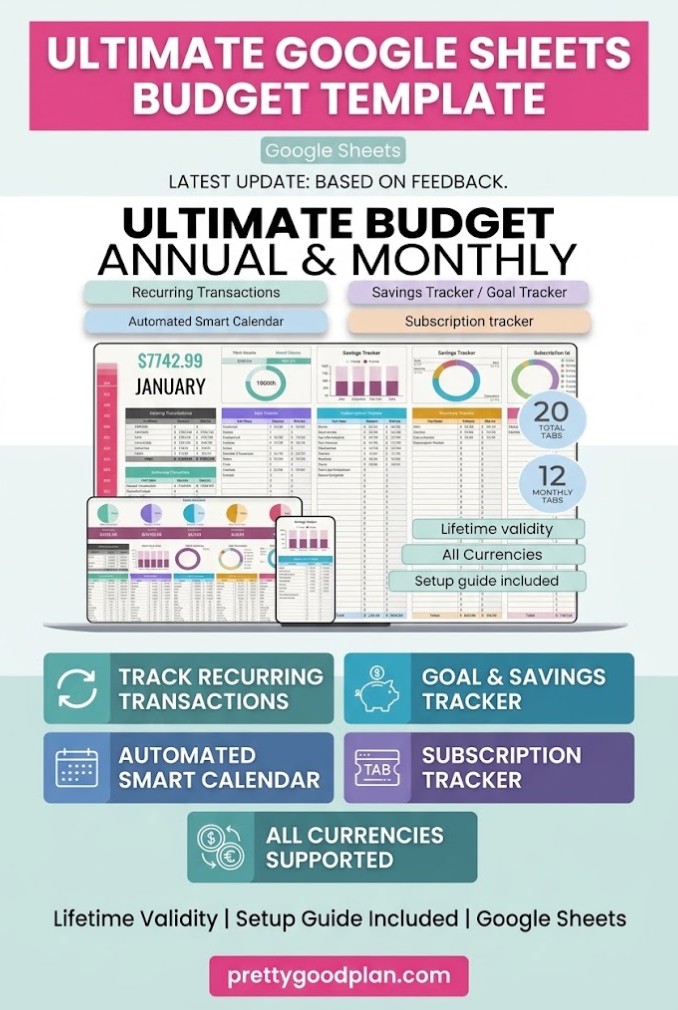
The Ultimate Annual and Monthly Budget Light by FinancePlannerSheets is a comprehensive planning system for managing income, expenses, savings, and recurring financial commitments.
The template includes twenty organized tabs covering monthly and annual financial activity.
Its combination of monthly dashboards, an annual overview, and specialized trackers makes it suitable for users who want detailed control over their finances.
Key features:
- 12 monthly budget dashboards
- Annual financial dashboard
- Income and expense tracking
- Budget versus actual reports
- Transaction log
- Savings goals tracker
- Sinking funds tracker
- Subscription tracker
- Recurring transaction support
- Automated financial calendar
- Custom categories and subcategories
- Year selection
The annual dashboard can help users identify spending patterns that may be difficult to recognize when looking at individual months.
For example, you might discover that annual subscriptions represent a larger expense than expected or that seasonal purchases affect your savings goals.
Why choose it?
This template is best suited to people who want a detailed financial tracking system that goes beyond everyday spending.
It is particularly useful for managing recurring bills, savings targets, and multiple budget categories throughout the year.
8. 50/30/20 Budget Planner Template – Light
Best for: Combining the 50/30/20 method with advanced tracking
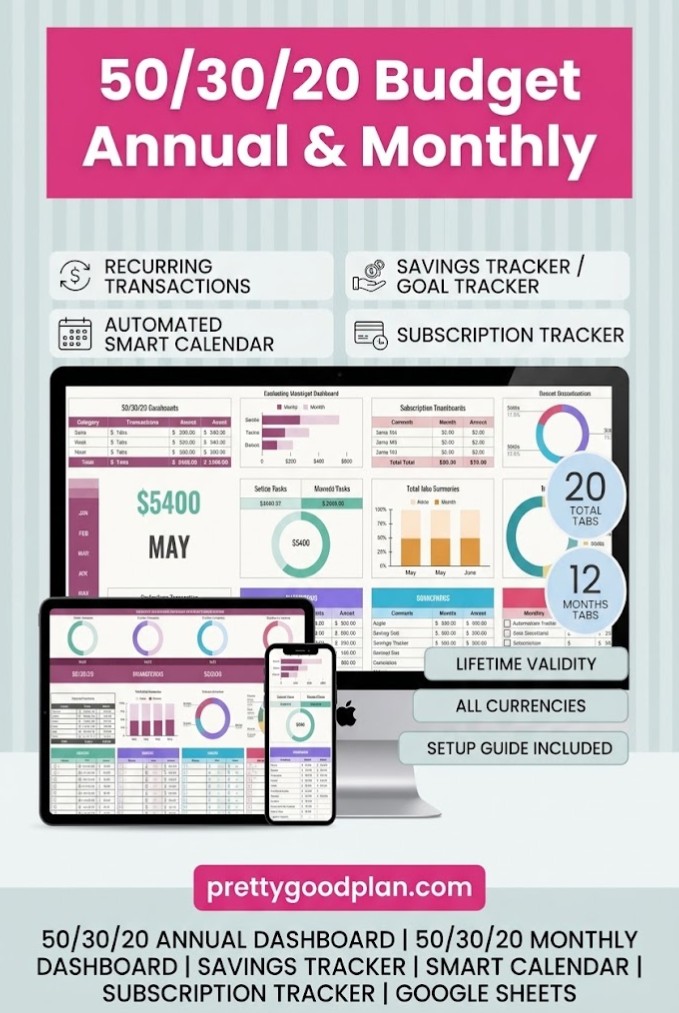
The 50/30/20 Budget Planner Template – Light by FinancePlannerSheets combines a percentage-based budgeting system with detailed financial management tools.
Instead of simply dividing income into three categories, the planner provides monthly dashboards and dedicated trackers for various financial commitments.
Key features:
- Twenty organized tabs
- Twelve monthly 50/30/20 budget dashboards
- Annual financial dashboard
- Income and expense tracking
- Budget versus actual comparisons
- Savings goals tracker
- Sinking funds tracker
- Subscription management
- Recurring transaction support
- Automated smart calendar
- Custom categories and subcategories
- Support for different currencies
This template can be especially helpful if you like the simplicity of the 50/30/20 method but need additional visibility into individual expenses.
For example, you can maintain broad spending targets while also tracking the smaller transactions that contribute to each category.
Why choose it?
Choose this planner if you want a structured financial framework paired with advanced monthly reporting.
It offers more detailed features than a basic percentage calculator and is intended for users who regularly review their spending.
9. Budget Planner Excel Google Sheet
Best for: Minimalist budgeting across spreadsheet applications
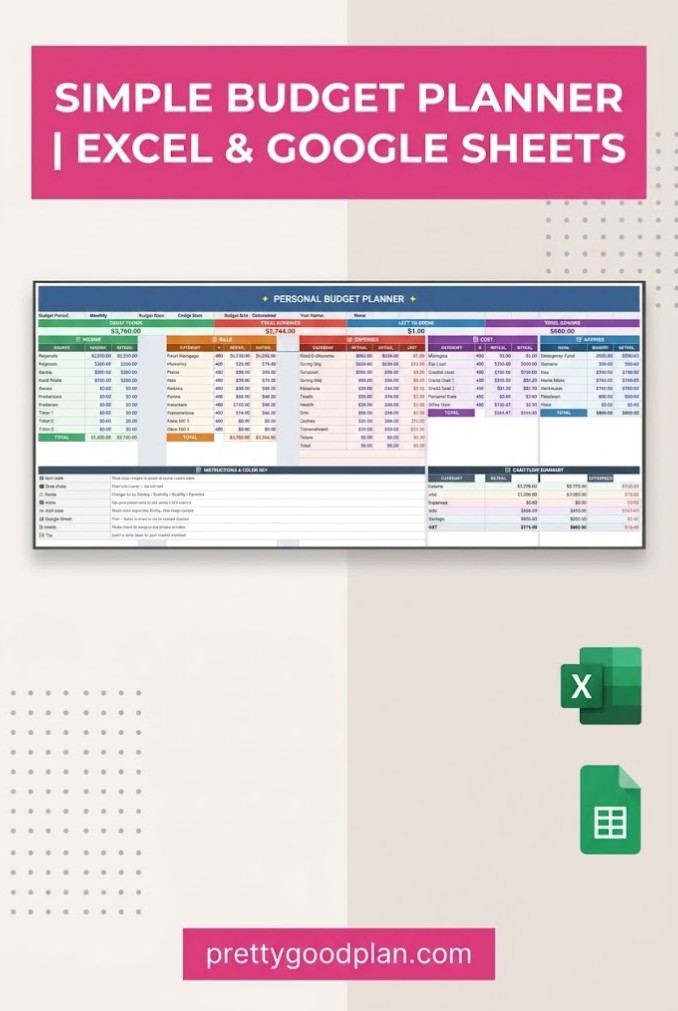
The Budget Planner Excel Google Sheet by JustBeYourSelf is a simple financial tracker intended for individuals who prefer an uncluttered spreadsheet.
It combines essential income, expense, and savings information in an editable format.
The downloadable Excel file can be imported into Google Sheets, making it convenient for people who use both applications.
Key features:
- Editable spreadsheet format
- Monthly budget tracker
- Income tracking
- Expense tracking
- Savings overview
- Reusable monthly layout
- Excel and Google Sheets compatibility
The simpler design can make it easier to focus on the figures that matter most.
Rather than navigating numerous dashboards or complex financial categories, users can organize their income and expenses in a familiar spreadsheet layout.
Why choose it?
This template is a practical option for beginners, students, and professionals who want a straightforward monthly budgeting solution.
It may also suit users who are comfortable importing an Excel spreadsheet into Google Sheets.
Comparison of the Best Monthly Budget Templates
Choosing the right Google Sheets budget spreadsheet depends on how much financial detail you want to manage.
| Template | Best For | Main Strength |
|---|---|---|
| Monthly Budget Google Sheets | Everyday budgeting | Visual dashboard |
| Budget Planner for Google Sheets | Monthly and annual planning | 12-month organization |
| 50/30/20 Budget Template | Budgeting beginners | Simple percentage system |
| Monthly Budget Planner Google Sheet Only | Comprehensive tracking | Savings, bills, subscriptions |
| Personal Monthly Budget Template | Personal finance basics | Simple customizable layout |
| 50/30/20 Monthly Budget Spreadsheet | Flexible budgeting | Excel and Sheets versions |
| Ultimate Annual and Monthly Budget Light | Detailed financial planning | Advanced dashboards |
| 50/30/20 Budget Planner – Light | Structured finance tracking | 50/30/20 with extra tools |
| Budget Planner Excel Google Sheet | Minimalist budgeting | Easy-to-edit spreadsheet |
If you are just starting, a simple monthly budget or 50/30/20 template may be sufficient.
If you need to manage savings targets, recurring bills, and subscriptions, a more comprehensive planner may be a better fit.
How to Choose the Right Google Sheets Monthly Budget Template
Not every budget spreadsheet is designed for the same financial situation.
Before choosing a template, consider how you intend to use it.
Consider your budgeting experience
Beginners often benefit from spreadsheets with clearly labeled categories and simple instructions.
Templates with extensive dashboards and multiple trackers may be useful later, but they can feel overwhelming when you’re first establishing a budgeting routine.
Decide how much detail you need
Some people only need to see total monthly income and expenses.
Others prefer tracking individual transactions, subscriptions, savings goals, and upcoming payments.
Choose a template that matches the level of detail you are realistically willing to maintain.
Look for automatic calculations
Automatic formulas reduce repetitive work and help keep your monthly totals consistent.
Features such as budget-versus-actual comparisons and remaining balance calculations can make monthly reviews more useful.
Check compatibility
Not every budget template uses the same file format.
Some products are created specifically for Google Sheets, while others provide downloadable Excel files that can be imported.
If you plan to use your spreadsheet mainly on a smartphone, check whether its interactive features work properly in the mobile version of Google Sheets.
Think about long-term use
A spreadsheet designed for one month may need to be copied repeatedly.
A planner with twelve monthly tabs and an annual summary can make year-to-year financial organization easier.
However, more features are not automatically better. The most useful spreadsheet is one you can update consistently.
How to Use a Monthly Budget Template in Google Sheets
Once you have chosen a template, setting up a monthly budgeting routine is relatively straightforward.
Step 1: Open the spreadsheet
Follow the instructions supplied with your downloaded product.
For templates distributed through a PDF link, open the PDF and follow its link to the Google Sheets file.
If the template provides a view-only spreadsheet, use File > Make a copy to create an editable version in your Google Drive.
Step 2: Enter your monthly income
List your expected take-home income from all relevant sources.
These might include your regular salary, freelance payments, side projects, or other income.
If your earnings vary, consider starting with a conservative estimate rather than assuming every month will be equally profitable.
Step 3: Customize expense categories
Organize your spending into categories that reflect your actual expenses.
Common categories include housing, utilities, groceries, transportation, insurance, entertainment, subscriptions, and savings.
Remove categories that are not relevant and add new ones when necessary, taking care not to break existing spreadsheet formulas.
Step 4: Set realistic spending targets
Review previous bank statements or receipts to estimate typical monthly expenses.
For example, if your average grocery spending is $450, setting a target of $200 without changing your shopping habits may not be realistic.
A useful budget should reflect your circumstances while identifying areas where adjustments may be possible.
Step 5: Record actual expenses
Update your spreadsheet regularly throughout the month.
Depending on the template, you may enter each transaction individually or update category totals.
Consistency is more valuable than creating an overly complicated system.
Step 6: Review your monthly results
At the end of each month, compare planned spending with actual expenses.
Identify categories where you overspent, areas where you saved money, and financial commitments that may require additional planning.
Use those observations to adjust your next monthly budget.
Common Monthly Budgeting Mistakes to Avoid
Even a well-designed spreadsheet cannot manage your finances automatically without accurate information.
One common mistake is forgetting irregular expenses, such as insurance renewals, birthday gifts, vehicle repairs, or annual subscriptions.
These costs may not occur every month, but they should still be considered when setting spending targets.
Another mistake is creating too many categories. Detailed tracking can be useful, but excessive complexity may make budgeting harder to maintain.
It is also important to distinguish between planned and actual spending. A budget is not simply a record of what happened; it is a plan that can guide future decisions.
Finally, avoid treating every month as identical. Seasonal expenses, income changes, and major purchases can affect your financial priorities.
A flexible monthly budget makes room for those changes rather than assuming your spending will always follow the same pattern.
Frequently Asked Questions
What is the best Google Sheets monthly budget template for beginners?
A simple monthly budget spreadsheet with clearly labeled income and expense categories is usually a good starting point. The Monthly Budget Google Sheets template and the 50/30/20 Budget Template are two options worth considering.
Are Google Sheets monthly budget templates free?
Google Sheets itself is available with a free Google account, and Google offers a built-in monthly budget template. Third-party templates may be free, paid, or included with a subscription. Always check the product’s current download terms.
Can I use a Google Sheets budget template on my phone?
Yes. Many templates can be opened in the Google Sheets mobile app or a compatible mobile browser. However, certain scripts, buttons, or advanced features may work better on desktop computers.
What should a monthly budget spreadsheet include?
A useful monthly budget should include income, fixed expenses, variable expenses, savings contributions, and a comparison between planned and actual spending. Additional features such as bill reminders and financial dashboards are optional.
What is the 50/30/20 budgeting rule?
The 50/30/20 budgeting rule is a guideline that allocates 50% of take-home income to needs, 30% to wants, and 20% to savings and selected debt repayments. The percentages can be adjusted to fit individual circumstances.
Can Google Sheets automatically calculate monthly expenses?
Yes. Google Sheets supports formulas such as SUM and SUMIF that can calculate totals and summarize spending. Many ready-made budget templates already include these calculations.
Should I choose a monthly or annual budget template?
A monthly template is useful for monitoring short-term expenses and day-to-day spending. An annual template offers a broader overview of seasonal expenses, long-term savings, and changes in financial habits. A template with both monthly and annual dashboards can provide the benefits of each approach.
Can I customize budget categories in Google Sheets?
Most editable Google Sheets budget templates allow some level of customization. You can often rename categories, adjust spending targets, and enter new financial information. More complex templates may require extra care when modifying formulas or linked worksheets.
Final Thoughts
The best Google Sheets monthly budget templates make it easier to understand your spending, organize financial priorities, and plan for upcoming expenses.
For basic monthly expense tracking, the Monthly Budget Google Sheets template offers a convenient starting point.
If you want an organized yearly budgeting system, Budget Planner for Google Sheets provides monthly worksheets and an annual financial summary.
For more detailed financial management, templates such as Ultimate Annual and Monthly Budget Light include additional tools for subscriptions, savings goals, and recurring transactions.
Whichever template you choose, the most important factor is consistency.
A budget spreadsheet becomes more valuable when you update it regularly, review your spending, and use what you learn to make practical financial decisions.
Start with a template that fits your needs, customize it to reflect your lifestyle, and make monthly budgeting part of your regular routine.


