
ℹ️ Affiliate Disclosure: This article may contain affiliate links. If you book or purchase through these links, we may earn a commission at no additional cost to you.
Features of the Canva digital planner template bundle
One planner doesn’t always fit everything you need to organize. A monthly budget calls for a different layout than a school schedule, and planning a trip is nothing like managing a website project. Keeping separate documents for each can get messy, especially when you want them to look consistent.
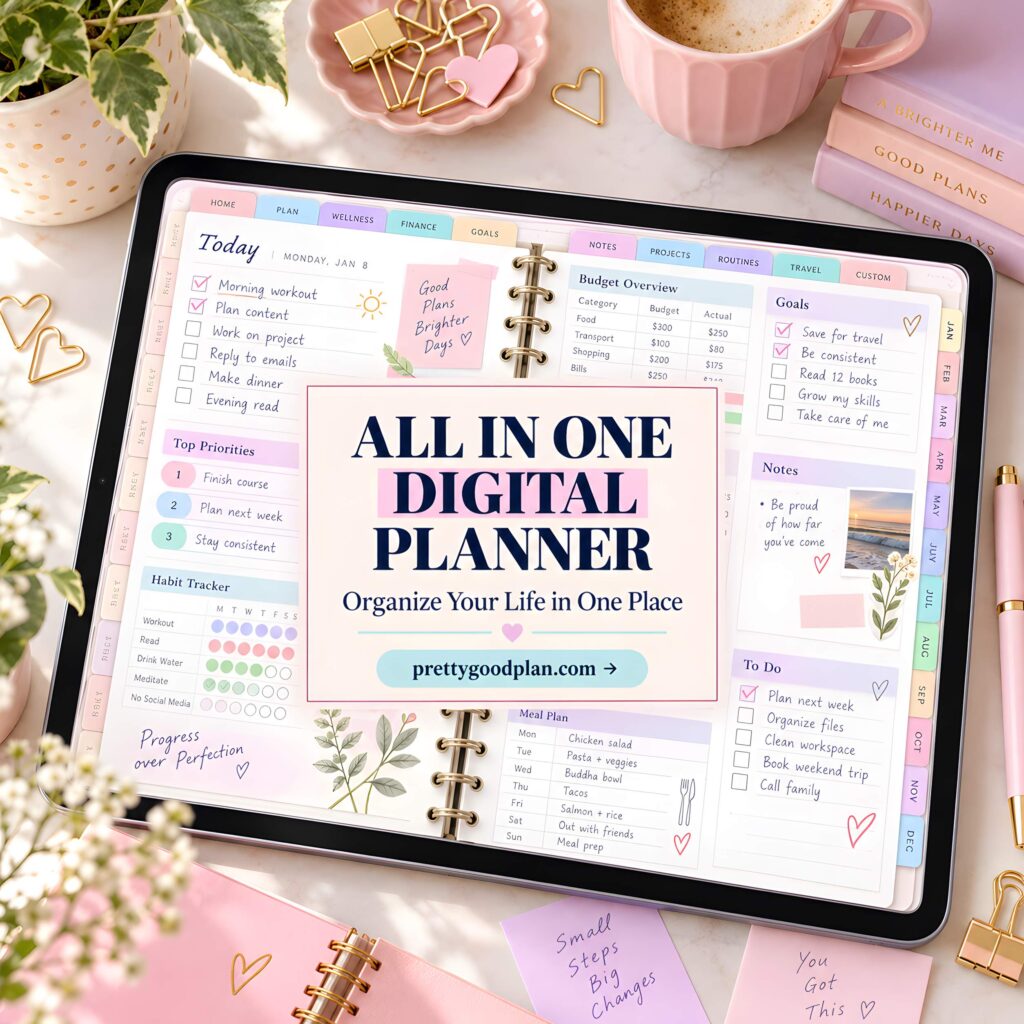
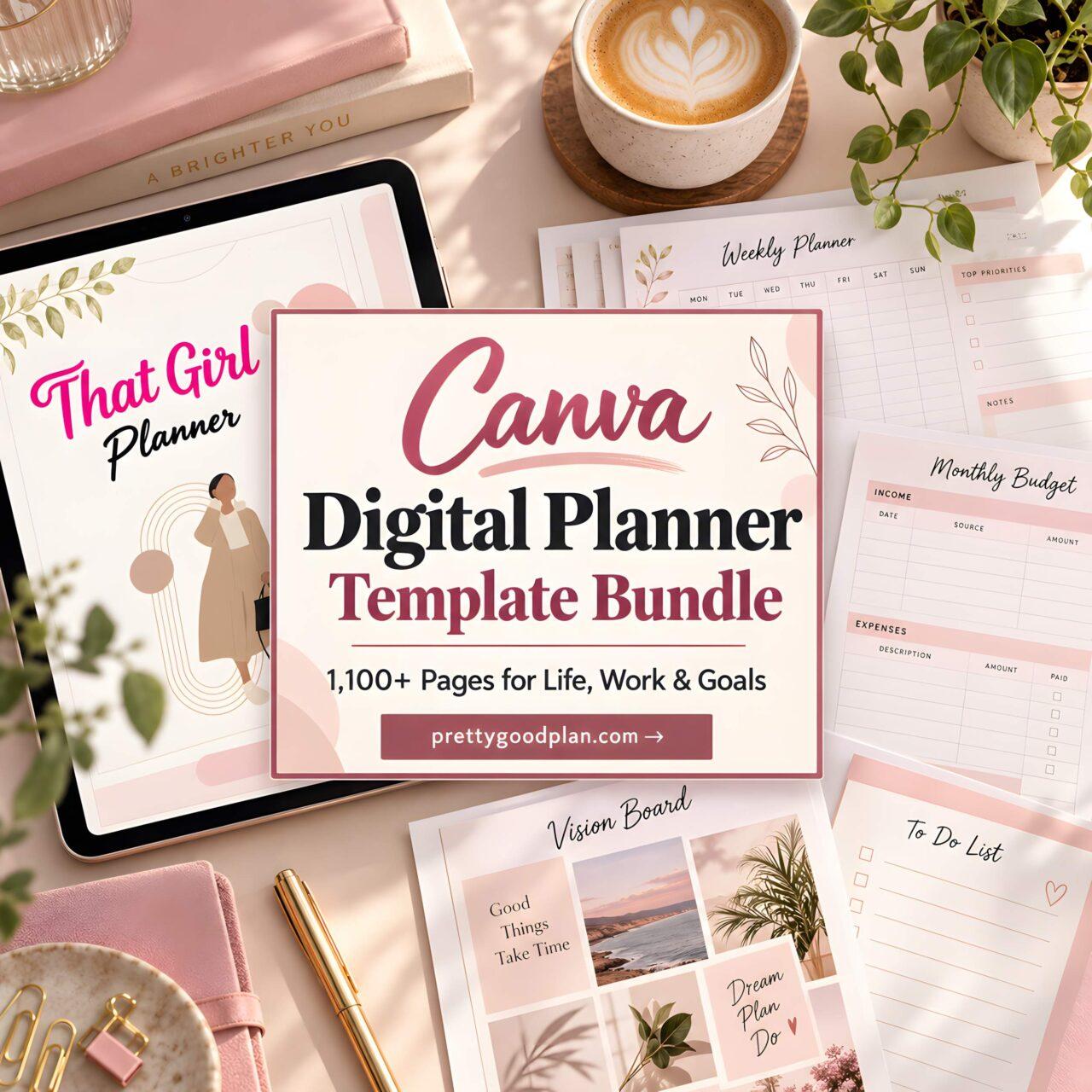
A Canva digital planner template bundle offers another approach: start with existing layouts, customize the ones you need, and leave the rest alone. The Best Selling Digital Planner Bundle by designmela01 on Creative Fabrica takes this broad approach, combining personal planning, finances, education, business, and journaling templates in one collection.

Start With the Planning Problems You Actually Have
The collection includes a Digital Finance Planner, Debt Budget Tracker, Student Planner, Travel Planner, Vision Board Planner, and Online Business Planner, among other specialized sets. That range is useful when several parts of your life need organizing, but it also makes choosing a starting point more important.
I’d begin by identifying one recurring problem rather than opening every template. If bills and spending are difficult to track, the finance and debt-related planners are the obvious first stop. If you’re studying, the student and back-to-school sets make more sense.
Someone balancing freelance projects and personal commitments could choose two separate planning areas: business tasks in one place and household or personal goals in another. Keeping those categories distinct makes it easier to review what needs attention without creating one enormous to-do list.
A Practical Way to Use the Budget and Goal Templates
The bundle lists a 93-template Digital Debt Budget Tracker, a 48-template Digital Finance Planner, a 50-template Vision Board Planner, and a 31-template 12-Week Growth Mindset Journal.
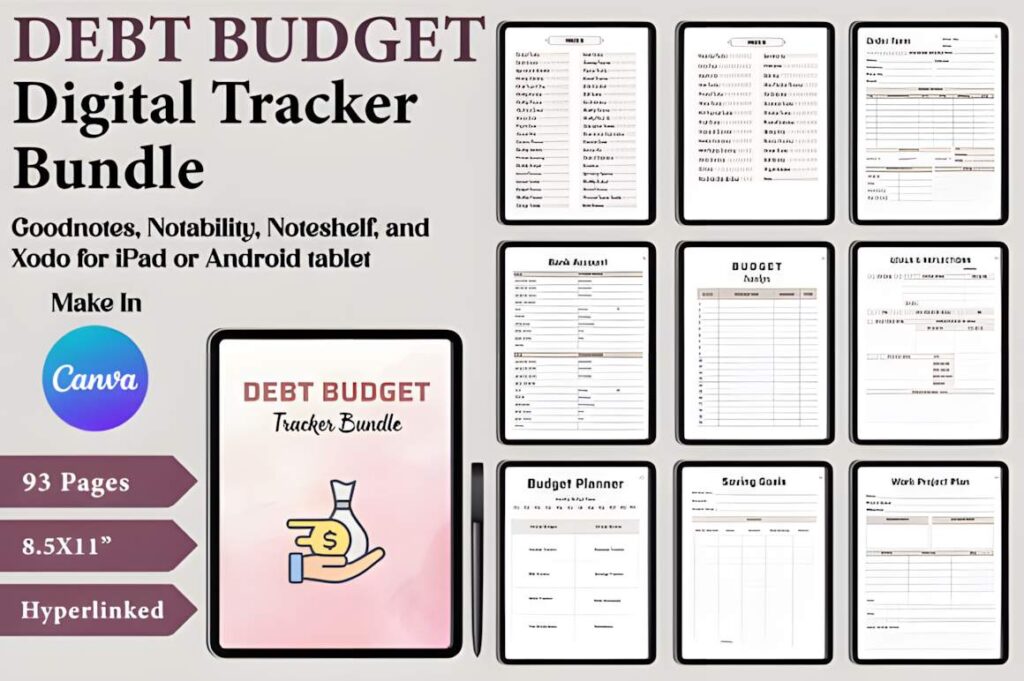
For financial planning, I’d start by choosing layouts that let you record expected income, regular expenses, debt obligations, and financial priorities. Review your actual spending once a week rather than leaving everything until the end of the month. Even a simple five-minute review can reveal whether your original budget still makes sense.
Goal planning needs a slightly different rhythm. A vision board can capture the bigger direction, but it shouldn’t replace concrete actions. Choose one goal, define what progress would look like over the next 12 weeks, and identify a small action you can repeat. A weekly check-in gives those longer-term intentions somewhere to land.
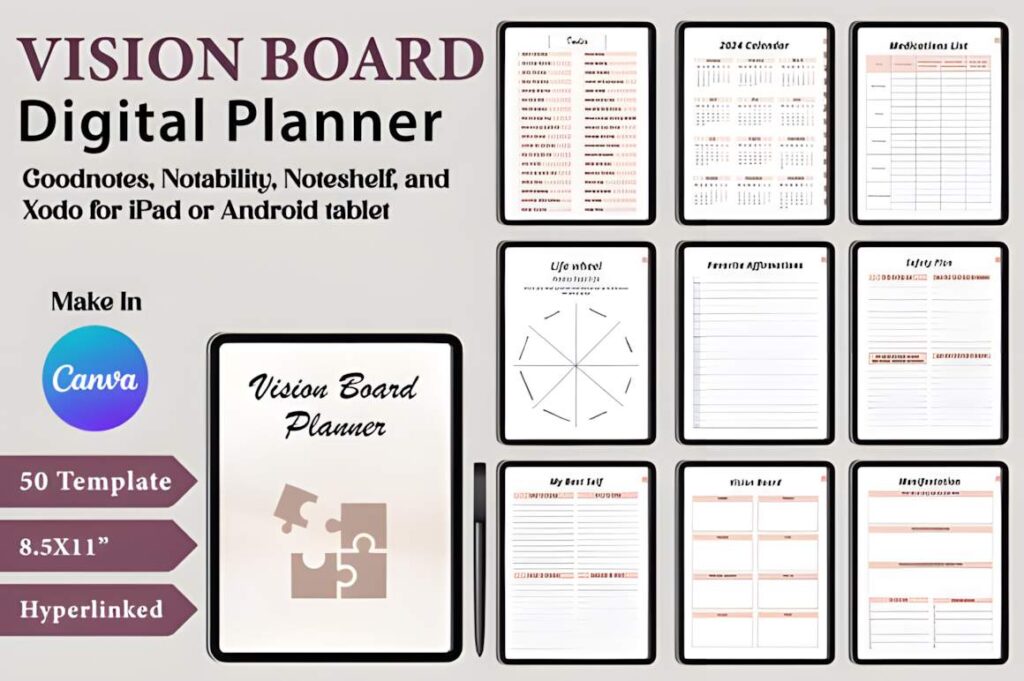
The bundle’s variety makes this combination possible, although there’s no reason to maintain multiple trackers covering the same information. Pick the layout you’re most likely to revisit.
When Separate Student, Travel, and Business Planners Make Sense
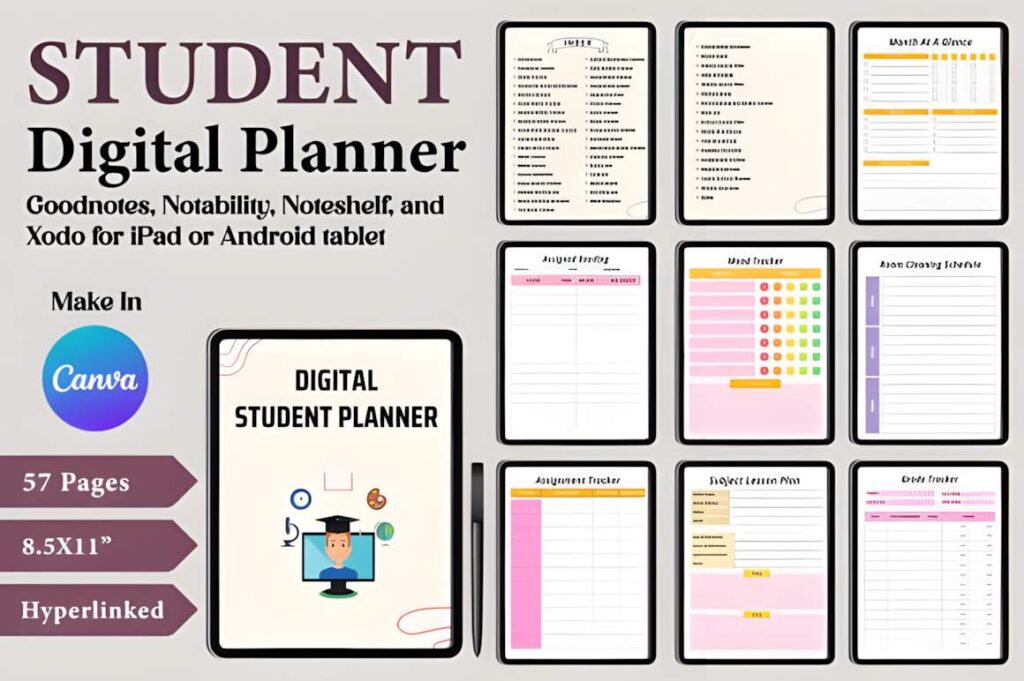
A student planning an upcoming semester needs a place to prioritize coursework and deadlines. I’d use the included Student Planner or Back To School collection as a starting point, customize the relevant pages, and check upcoming assignments at the beginning of each week. Complicated planning systems tend to get abandoned during busy periods, so the setup should stay simple.
The 52-template Travel Planner collection addresses a more temporary project. Before a trip, create a central reference for travel dates, reservations, transportation details, and expected expenses using whichever layouts suit your itinerary. A shared folder for booking confirmations can complement the planner rather than forcing every travel document onto one page.
For independent creators or small business owners, the Online Business Planner, Website Planner, and Social Media Marketing Planner are worth examining. A useful approach is to assign a separate purpose to each: website updates for one project, marketing activities for another, and broader business priorities in a third.
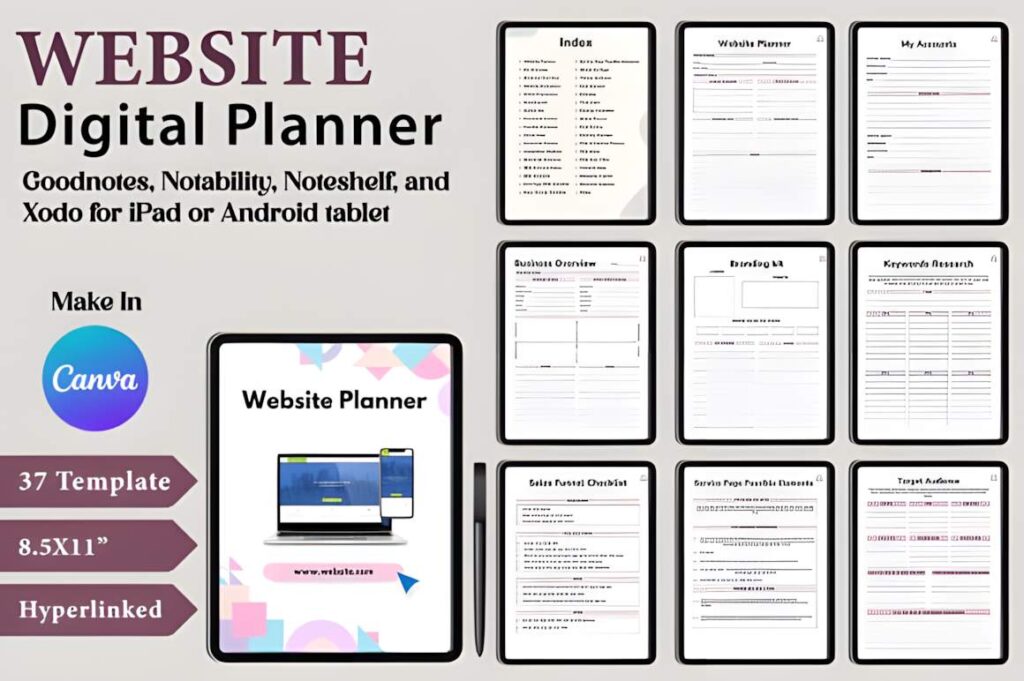
These are suggested ways to organize the included template collections, not claims that every individual worksheet contains those exact fields. Check the preview layouts before deciding which pages fit your workflow.
Editing in Canva or Printing the Pages
One of this bundle’s most practical details is its format. According to the creator, it includes editable Canva links alongside print-ready PDF files, JPEGs, and PNGs. The listed print dimensions are 8.5 × 11 inches, or US Letter size, with no bleed.
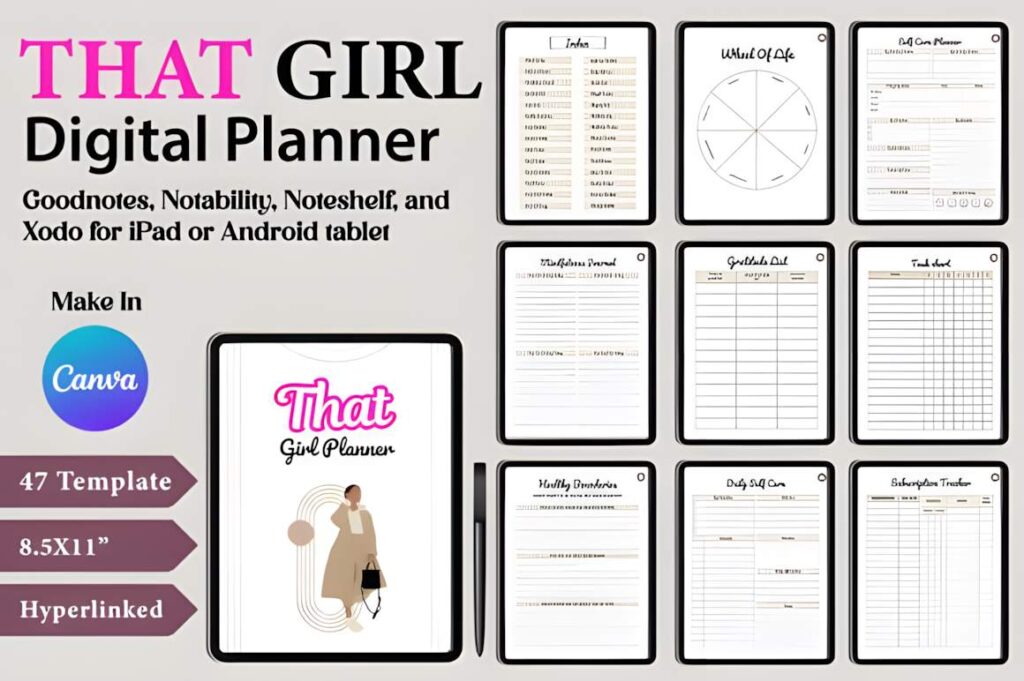
The Canva option is useful if you want to adjust text, colors, or layout elements before settling on a planner design. The seller says a free Canva account can be used for editing and recommends making a copy of the original Canva document in your own account before working on it.
For paper planning, I would print a small selection first. Try one budget layout or a few goal-planning pages and see whether there’s enough writing space for your needs. There’s little benefit in printing an entire collection when you’ll only use a handful of designs.
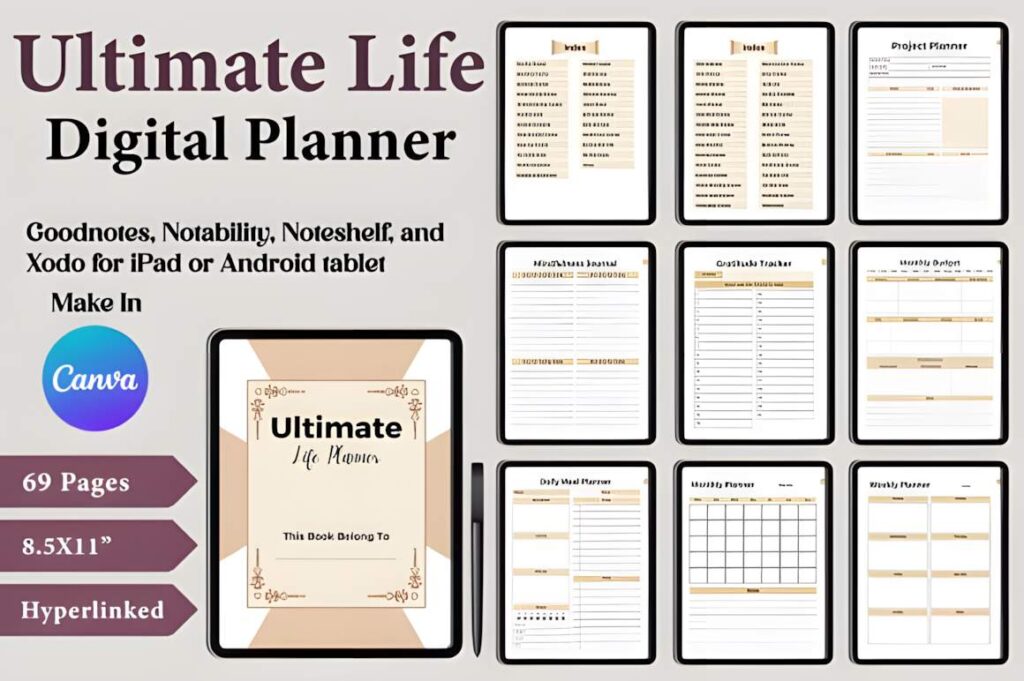
Although the product is described as a digital planner bundle, its listing does not clearly establish that every file contains interactive navigation or is specifically configured for Goodnotes or Notability. If tablet annotation or clickable tabs are essential to your workflow, verify those features before choosing it for that purpose.
Is a Large Planner Bundle Better Than One Simple Planner?
A large planner bundle makes sense when you want different types of planning pages and prefer being able to customize their appearance. It’s less compelling if your entire routine consists of checking appointments and writing a short daily task list.
That’s the main trade-off here. Having more than 1,100 pages available gives you plenty to choose from, but sorting through them and customizing layouts takes some initial effort. I’d treat the bundle as a library of planning resources, not a system that needs to be completed.
For this particular collection, my first picks would be the finance, student, or business templates, depending on the reader’s needs. They address recurring organizational tasks where a consistent planning routine can be genuinely useful. The journaling and vision board sets can stay optional until there’s a clear reason to use them.
If you want an editable collection spanning several planning categories, this bundle is worth examining. Check the individual previews and choose two or three layouts you can picture using next week. That’s a much better test of a planner’s usefulness than its total page count.
Frequently Asked Questions
Can I edit the digital planner templates in Canva?
Yes. The creator provides editable Canva links and states that the templates can be customized using a free Canva account. Before making changes, create a copy of the original document in your Canva account, as the seller recommends. This keeps your working version separate from the original template.
Can I print the planner pages instead of using them digitally?
Yes. The bundle includes print-ready PDF files and lists US Letter dimensions of 8.5 × 11 inches, with no bleed. JPEG and PNG files are also mentioned in the description. For a practical setup, print only the layouts you need rather than the entire collection.
What types of planners are included in the bundle?
The collection includes templates for finance, debt budgeting, student planning, travel, business, websites, social media marketing, events, vision boards, and personal journaling. The seller advertises more than 1,100 pages overall. Individual collections vary in size, so review the product previews to identify the layouts relevant to your needs.
Can I use these planner templates in Goodnotes or sell modified versions?
The listing confirms PDF files and editable Canva links but does not clearly guarantee Goodnotes-specific features such as interactive navigation. Check compatibility with your preferred app before relying on it. For selling or redistributing modified templates, review Creative Fabrica’s current license and any product-specific restrictions rather than assuming that editing permission includes resale rights.