
ℹ️ Affiliate Disclosure: This article may contain affiliate links. If you book or purchase through these links, we may earn a commission at no additional cost to you.
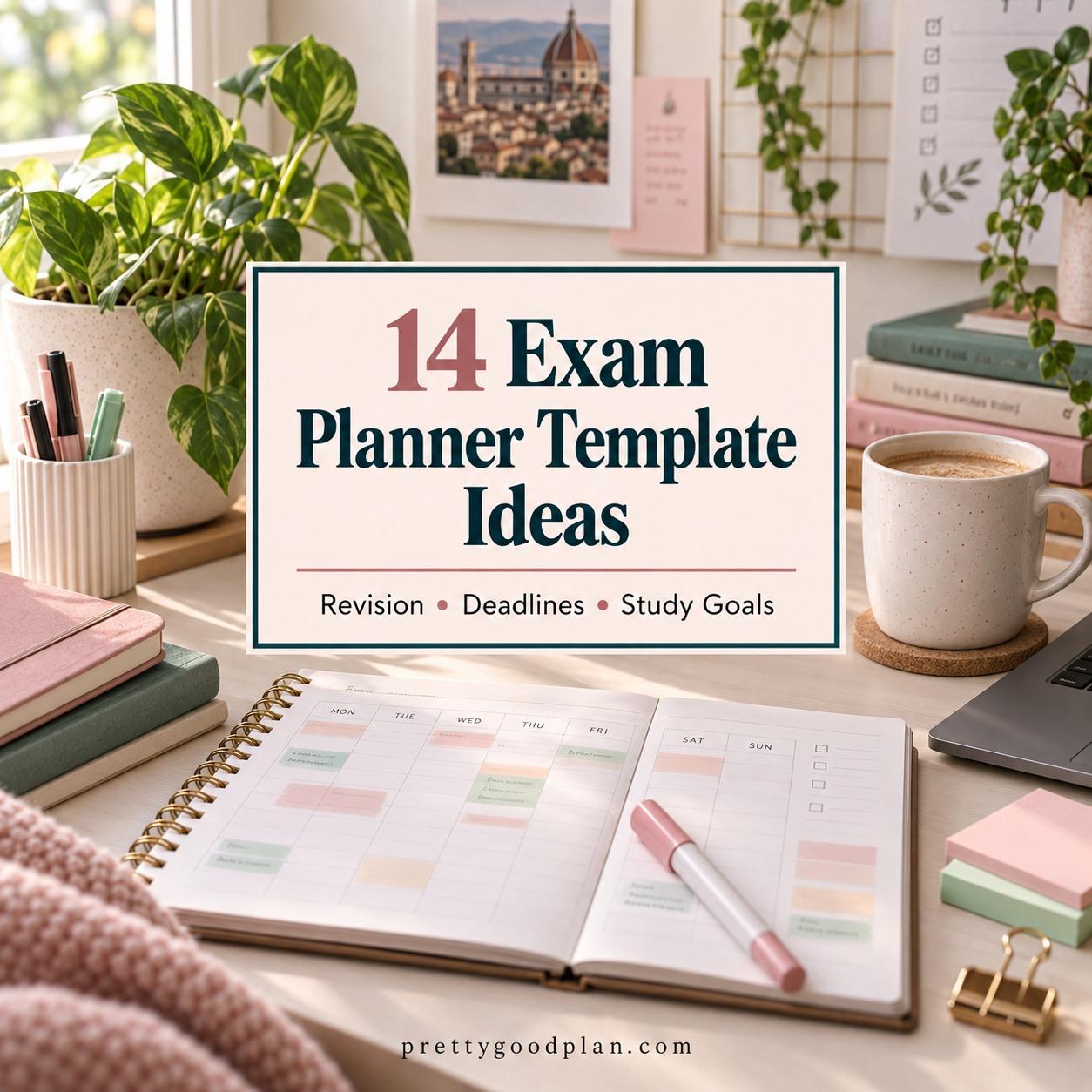
Exam Planner Template Designs for Streamlined Revision
Exam season becomes harder to manage when revision topics, test dates, assignment deadlines, and study goals are scattered across different notes. A useful exam planner template brings those moving parts into one system, but the right layout depends on what you actually need to control. Some students mainly need a clear exam timetable, while others need subject-by-subject revision tracking, weekly study blocks, or a complete academic planner that connects exams with coursework and deadlines.
The templates below cover those different planning styles, including focused revision sheets, exam trackers, editable Canva planners, printable study organizers, and broader student planners for semester-long organization.
Many additional student planner templates are available, but this selection concentrates on layouts that solve distinctly different revision, deadline, exam scheduling, and study-planning needs.

The most useful exam planner templates separate fixed exam dates from the work required before them. A timetable works well for seeing the complete exam period, a revision tracker helps break subjects into manageable topics, and a broader study planner makes more sense when assignments, weekly schedules, goals, and exams all need to be coordinated together.
Quick Picks
Best for a simple exam overview: Exam Timetable Planner Template | Canva — keeps subjects, exam dates, times, priorities, and revision scheduling together in a focused layout.
Best for subject-by-subject revision: Subject Revision Planner Template Canva — useful when you need to divide each subject into topics, goals, deadlines, and study sessions.
Best for detailed academic planning: 2026 – 2027 Study Planner — combines revision, exam schedules, assignments, goals, study sessions, and broader academic organization.
Best for printable revision tracking: Exam Tracker, Exam Revision Planner — a compact choice centered on exam preparation rather than an entire school-year system.
Best for managing competing priorities: All in One Interactive Student Planner — connects exams, assignments, deadlines, study sessions, and weekly priorities in one academic dashboard.
Exam Planner Templates for Different Study and Revision Needs
1. Exam Planner Template
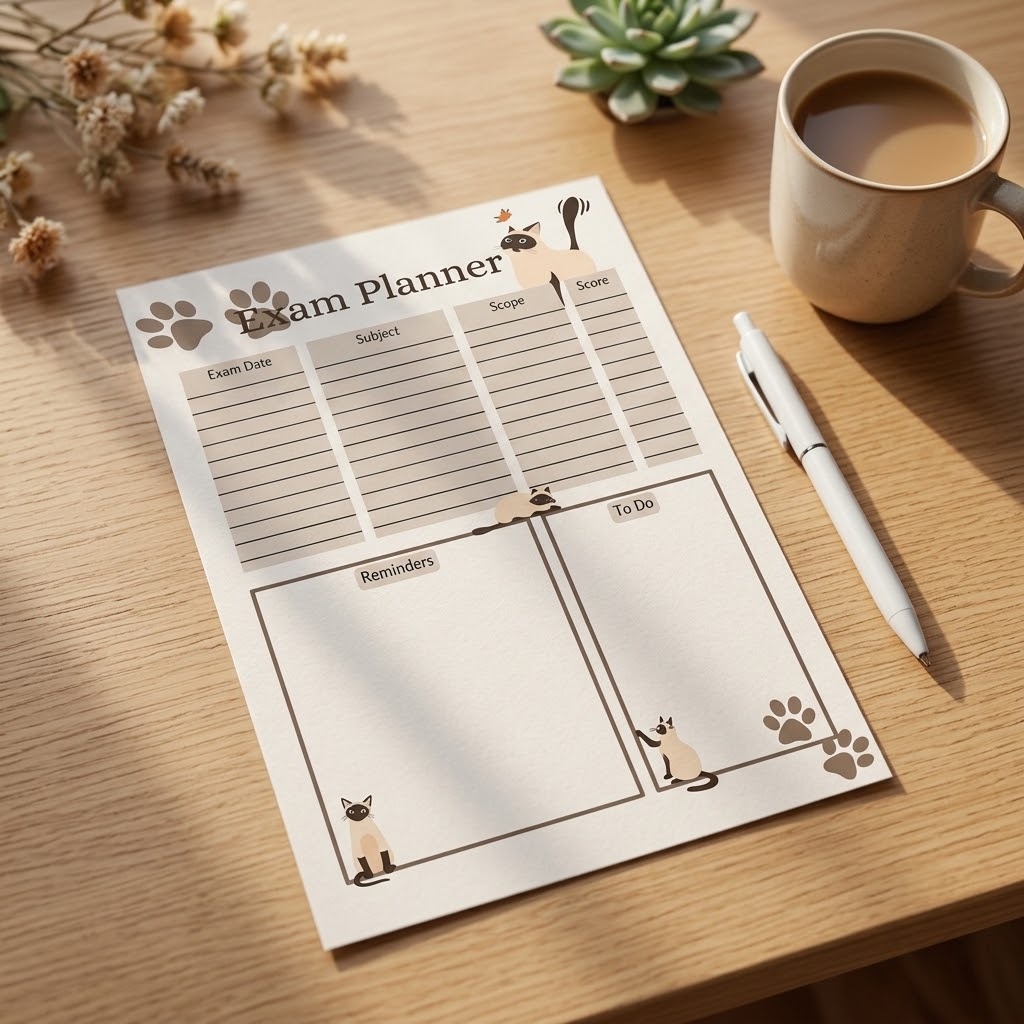
Exam Planner Template is a focused printable option for students who want a straightforward place to organize exam planning without building a complete academic binder. The set includes the planner in multiple page sizes, making it easier to fit an existing notebook or print format.
This makes sense when your priority is a reusable exam-planning page rather than semester tracking, coursework management, or a large collection of study worksheets. Students who want detailed revision progress or subject breakdowns may prefer one of the dedicated revision planners later in this list.
2. Exam Timetable Planner Template | Canva
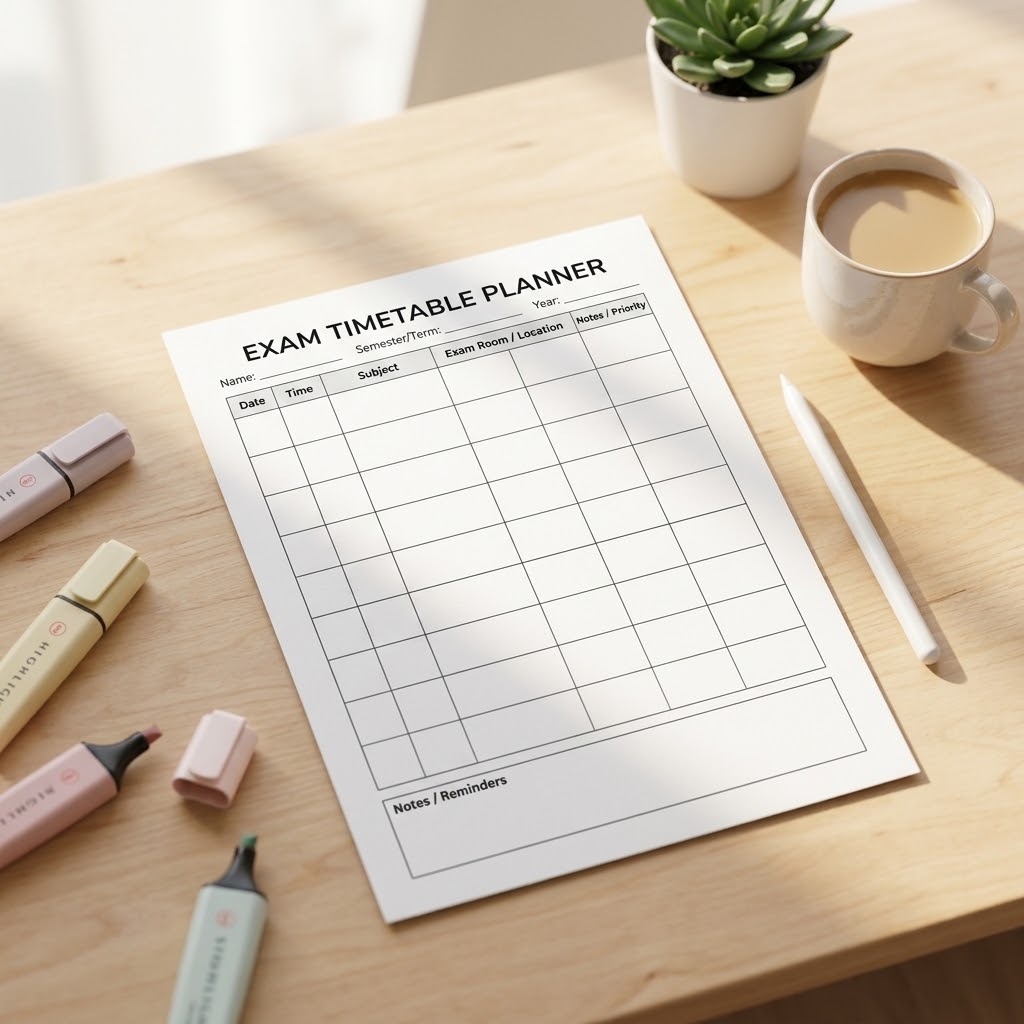
Exam Timetable Planner Template | Canva is designed around the fixed structure of an exam period. Its layout provides places for subjects, dates, times, revision blocks, and priority information, so it suits students who need to see several upcoming exams at a glance.
The Canva format is particularly useful when subject names or planning fields need to be customized before printing. Choose this over a large student planner when exam scheduling is the immediate problem. For deeper topic-by-topic preparation, the Subject Revision Planner provides a more granular structure.
3. Subject Revision Planner Template Canva
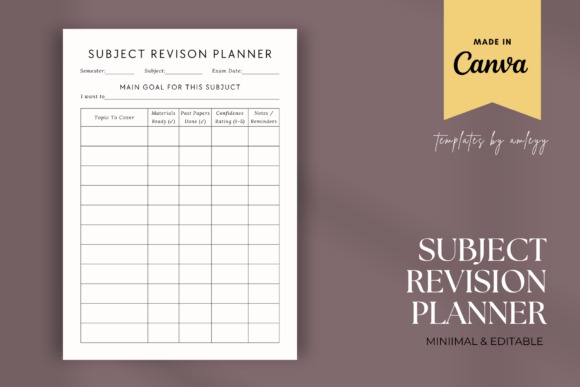
Subject Revision Planner Template Canva is a more detailed study organizer for breaking individual subjects into topics, goals, progress, deadlines, and revision work. It is better suited to students who know their exam dates but still need to decide exactly what should be revised before each one.
The editable Canva structure allows the page to be adapted for different courses or examination systems. This is a stronger fit for topic management than a basic exam timetable, although students juggling assignments and projects at the same time may want a broader academic planner.
4. Exam Tracker, Exam Revision Planner
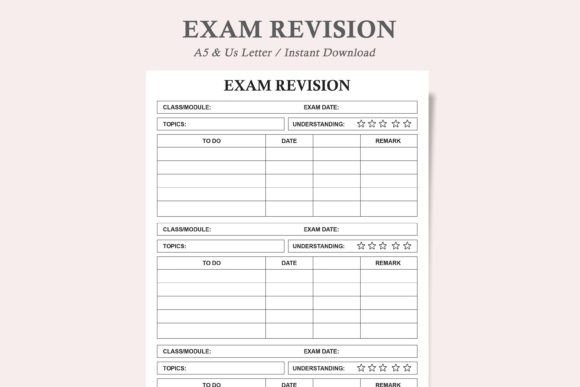
Exam Tracker, Exam Revision Planner is a compact printable designed specifically for exam preparation and revision tracking. The minimalist format comes in US Letter and A5 versions, which makes it practical for students building a small revision binder or adding pages to an existing study system.
This option makes sense when you want to repeatedly print a focused revision page instead of managing a large multi-section planner. It is less suited to students who need monthly planning, semester goals, course information, and assignment management alongside revision.
5. Exam Revision Planner Study Guide Log
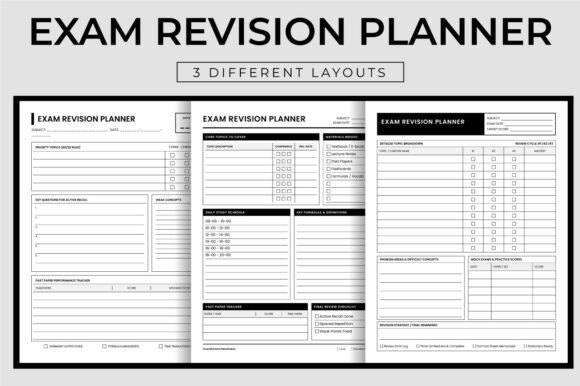
Exam Revision Planner Study Guide Log is aimed at students who prefer a printable revision journal rather than a single scheduling sheet. It includes three different layouts supplied as print-ready PDF files, providing more room for repeated planning throughout an exam period.
Consider this format when you want a consistent revision log that can be used over many sessions. Because it is structured more like an extended printable interior, students wanting a quick visual overview of every exam date may find a dedicated timetable template simpler.
6. Exam Revision Planner
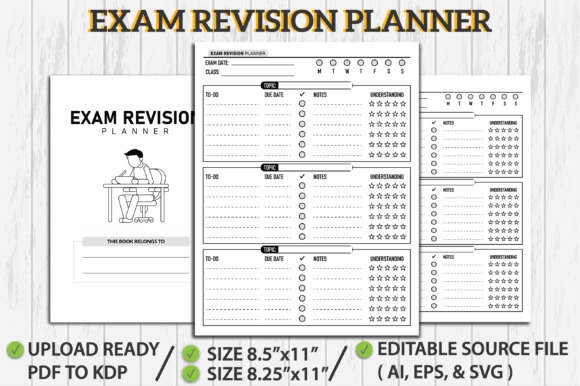
Exam Revision Planner by HandyBooks is an undated, print-oriented revision planner with an editable source file as well as print-ready formats. It suits students or educators who want an extended revision-planning interior rather than a dated school-year planner.
The undated structure is helpful when the same organizational format needs to work for different exam periods. Its extended interior is more than you need for a simple exam-date overview, so students who mainly want to map subjects against dates should consider the timetable-focused option instead.
7. Exam Revision Planner – Canva Editable
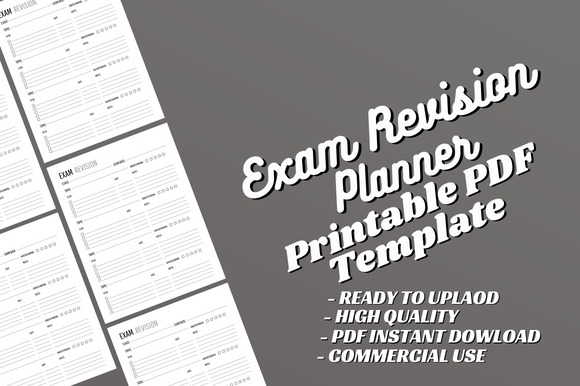
Exam Revision Planner – Canva Editable combines a long-form exam revision interior with Canva customization. Its 8.5-by-11-inch format and extended page set make it suitable for students who want to personalize a substantial printable study planner before using it.
This is worth considering when editable styling and repeatable revision pages matter more than having a ready-made dated calendar. For students who also need assignment deadlines, course information, weekly schedules, and semester goals, one of the broader student planners below will cover more of the academic workload.
8. 2026 – 2027 Study Planner
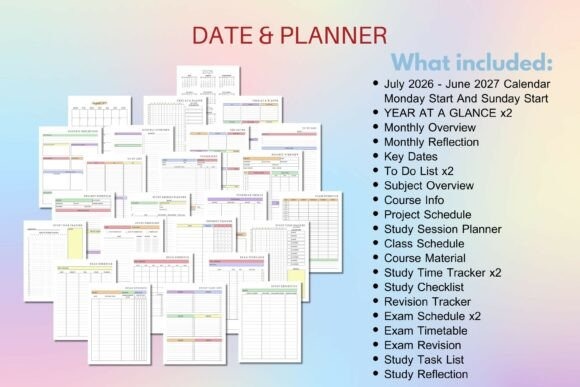
2026 – 2027 Study Planner is a comprehensive academic planner covering July 2026 through June 2027. It combines exam schedules and revision pages with course information, assignments, projects, study sessions, weekly and daily planning, deadline lists, goals, and progress reviews.
This makes the planner a strong fit when exam preparation cannot be separated from the rest of the academic workload. The tradeoff is complexity: students who only want to organize a short revision period may use a small fraction of the available pages and could be better served by a focused exam planner.
9. 2026-2027 Student Planner
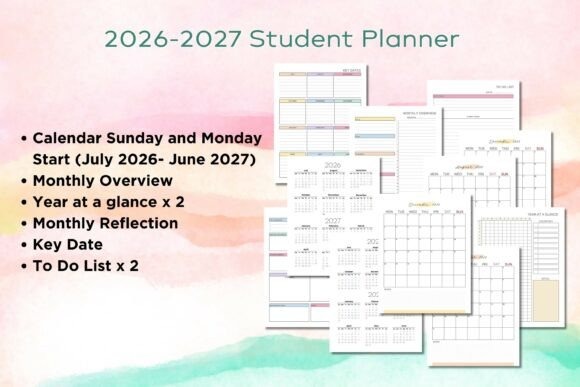
2026-2027 Student Planner provides a school-year structure for managing classes, assignments, exams, study sessions, goals, grades, and longer-term academic progress. It includes several weekly and daily study layouts alongside exam schedules and an exam timetable.
Choose this when you want exam preparation to live inside the same planner used for the rest of the academic year. Compared with a revision-only template, it offers more context around coursework and semester goals, but it requires more setup if your immediate concern is simply preparing for one exam period.
10. Student Planner | Canva Template
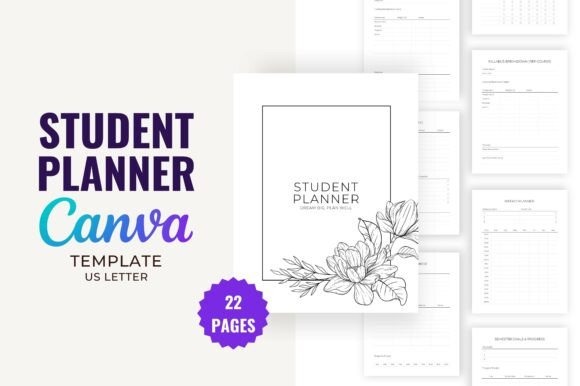
Student Planner | Canva Template by Toon Forest is a 22-page editable planner that connects semester planning with exams, revision, assignments, projects, and everyday study organization. The included exam and revision checklists make it particularly relevant for students who prefer checking off preparation steps.
It sits between a single-page exam planner and a very large academic bundle: there is enough structure for semester organization without requiring a hundred-page system. Students who want extensive dated calendars or multiple variations of daily and weekly pages may prefer one of the larger planners.
11. Study Planner Canva Templates | BRIGHT
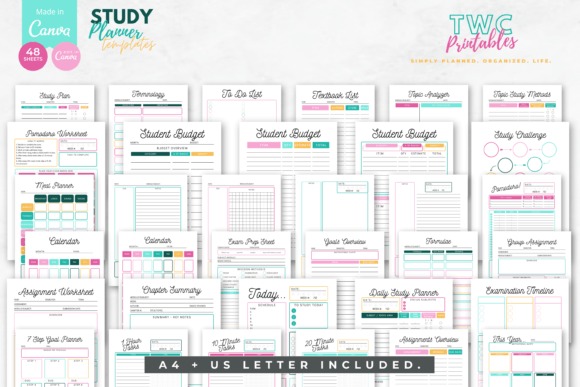
Study Planner Canva Templates | BRIGHT is a 48-template study kit covering weekly and daily study planning, goals, revision worksheets, exam preparation, an examination timeline, topic study tools, assignments, and related student organization pages.
The visual style and editable Canva format make this useful for students who want a coordinated collection rather than one utilitarian exam sheet. It is broader than a revision-only planner, so it makes more sense when you intend to use the planning system across classes, assignments, and repeated study sessions.
12. College Student Printable Planner
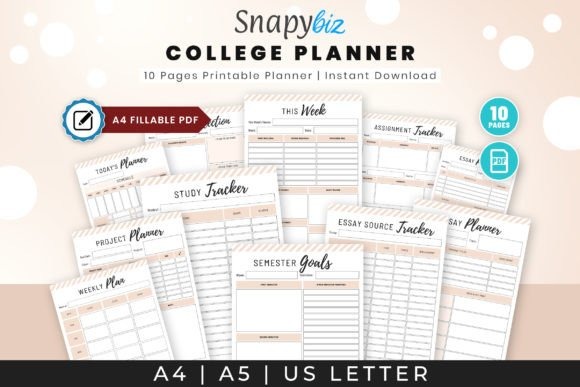
College Student Printable Planner is aimed at students managing class details, assignment deadlines, essay planning, revision reminders, and exams together. The emphasis on weekly academic organization makes it useful when exam preparation must compete with ongoing college coursework.
This broader perspective is useful during a busy semester, particularly when deadlines are just as important as exam dates. For a shorter revision period with fewer competing responsibilities, a dedicated exam tracker or subject revision page will be easier to maintain.
13. 2026 Study Planner for Students
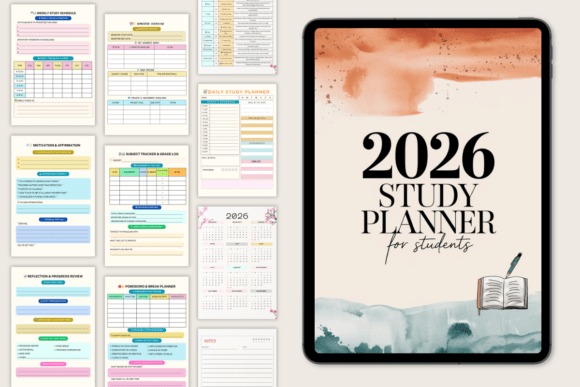
2026 Study Planner for Students is a 120-page academic planner combining semester planning, goals, subjects, grades, assignments, exams, daily study pages, weekly schedules, and progress reviews. It is designed for students who want to plan the complete study process rather than record exam dates alone.
The combination of an assignment and exam calendar with daily and weekly study planning helps connect long-term deadlines to individual study sessions. Because it is tied to the 2026 academic year, an undated revision template will be more reusable if you want the same pages for future exam cycles.
14. All in One Interactive Student Planner
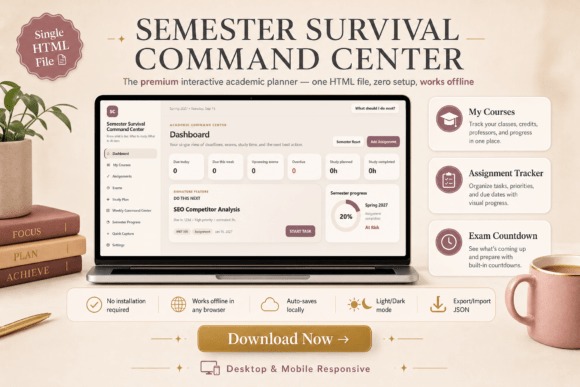
All in One Interactive Student Planner takes a dashboard-style approach to academic planning, bringing classes, assignments, exams, study sessions, deadlines, weekly targets, and semester progress into one system. It suits students whose main difficulty is deciding which competing academic task needs attention next.
The weekly command-center structure provides more prioritization than a traditional printable revision sheet. Choose it when exams are only one part of a busy workload. For students who prefer writing on a single printed page or keeping planning deliberately simple, a focused timetable or revision tracker will be less complicated.
See Interactive Student Planner
Exam Planner Template Comparison
| Product | Best for | Style / Type | Project Fit |
|---|---|---|---|
| Exam Planner Template | Simple exam planning | Printable template | Short exam periods |
| Exam Timetable Planner Template | Exam dates and priorities | Editable Canva timetable | Multiple scheduled exams |
| Subject Revision Planner | Topic-by-topic revision | Editable Canva planner | Detailed subject preparation |
| Exam Tracker, Exam Revision Planner | Repeatable revision tracking | Minimal printable | Revision binders |
| Exam Revision Study Guide Log | Long-form revision logging | Printable study log | Repeated study sessions |
| Exam Revision Planner | Reusable undated planning | Extended printable interior | Multiple exam cycles |
| Exam Revision Planner – Canva Editable | Customizable revision pages | Canva printable interior | Personalized study systems |
| 2026 – 2027 Study Planner | Complete academic organization | Dated Canva planner | Study, projects, and exams |
| 2026-2027 Student Planner | School-year planning | Dated student planner | Classes through exams |
| Student Planner | Canva Template | Compact semester planning | 22-page Canva template | Assignments and revision |
| Study Planner Canva Templates | BRIGHT | Coordinated study pages | 48-template Canva kit | Study routines and exams |
| College Student Printable Planner | College workload management | Printable academic planner | Essays, deadlines, exams |
| 2026 Study Planner for Students | Year-long study planning | 120-page dated planner | Goals, deadlines, revision |
| All in One Interactive Student Planner | Priority management | Interactive academic planner | Complex weekly workloads |
How to Turn an Exam Planner Into a Realistic Revision Schedule
A planner becomes useful only after fixed deadlines and realistic study work are separated. Begin by entering exam dates, submission deadlines, and other events that cannot move. These are the anchors of the schedule. Avoid filling every free space with revision before you can see where the genuinely limited periods are.
Next, break each subject into specific revision units. “Study biology” is difficult to schedule because it has no clear finish point. Individual chapters, concepts, practice sets, lecture groups, formulas, or past-paper sections are easier to assign to a study block and easier to mark complete.
Use priorities selectively. A topic can deserve earlier attention because the exam is close, because it needs more work, or because another assignment will reduce your available study time later. If everything receives the same priority, the planner stops helping you decide what to do next.
Weekly planning and daily planning should serve different purposes. The weekly view can show which subjects need attention and where deadlines sit. The daily page can then translate that plan into a small number of concrete study sessions. Keeping those two levels separate prevents a long task list from becoming a substitute for an actual schedule.
Leave some unscheduled capacity. Revision often takes longer than expected, assignments change, and one difficult topic may require another session. A completely full calendar has no room to absorb those changes. A slightly lighter plan is easier to adjust without pushing every unfinished task into the next day.
Finally, review the planner regularly instead of treating the first schedule as permanent. Move unfinished work, reduce unnecessary tasks, and adjust the next study block based on what remains. The useful part of an exam planner is not predicting every study session perfectly; it is keeping deadlines, revision priorities, and the next practical action visible.
Which Exam Planner Template Should You Choose?
If you mainly need to see several exam dates and revision periods together, Exam Timetable Planner Template | Canva keeps the system focused. For students who already know their dates but need to organize what to revise within each subject, Subject Revision Planner Template Canva provides a more detailed topic-based structure.
If exams are competing with assignments, projects, classes, and semester goals, 2026 – 2027 Study Planner connects those responsibilities inside a broader academic system. Student Planner | Canva Template offers a smaller alternative when you want semester organization without a very large planner.
For a printable revision system that can stay narrowly focused on preparation, Exam Tracker, Exam Revision Planner is easier to maintain. When the bigger problem is deciding between several overdue or upcoming academic tasks, All in One Interactive Student Planner provides a more priority-driven structure.
Frequently Asked Questions
What should an exam planner template include?
An exam planner template should include the information that changes your next study decision. Useful fields can include exam dates, subjects, revision topics, deadlines, priorities, study sessions, and progress tracking. A student managing several courses may also benefit from assignment and weekly planning pages, while someone preparing for one short exam period may need only a timetable and revision checklist.
Is a revision planner different from an exam timetable?
A revision planner organizes the work that needs to happen before an exam, while an exam timetable primarily organizes when exams occur. Revision layouts often break subjects into topics, goals, sessions, or progress stages. An exam timetable is more useful for seeing dates and avoiding scheduling confusion. Many students can use both views together when several subjects need preparation at the same time.
Should I use a printable or digital exam planner?
A printable exam planner works well when you prefer handwriting, a study binder, or a planner kept visibly on a desk. A digital or editable planner makes more sense when schedules change often or you want to customize subjects, labels, colors, and page structure. The better format is the one you can update consistently throughout the revision period.
How far in advance should I create an exam revision plan?
An exam revision plan should be created early enough to divide the remaining material into manageable study sessions without filling every available day. Start by entering fixed exam dates and deadlines, then work backward through the subjects and topics that need attention. Leave unscheduled space for difficult material, changed deadlines, and unfinished sessions so the plan can be adjusted as revision progresses.